UGC clips vs custom UGC: choose footage for app ads
Choose ready-made UGC clips, custom filming or a hybrid for app ads. Use a shot-sourcing worksheet and compare the cost of approved production output.
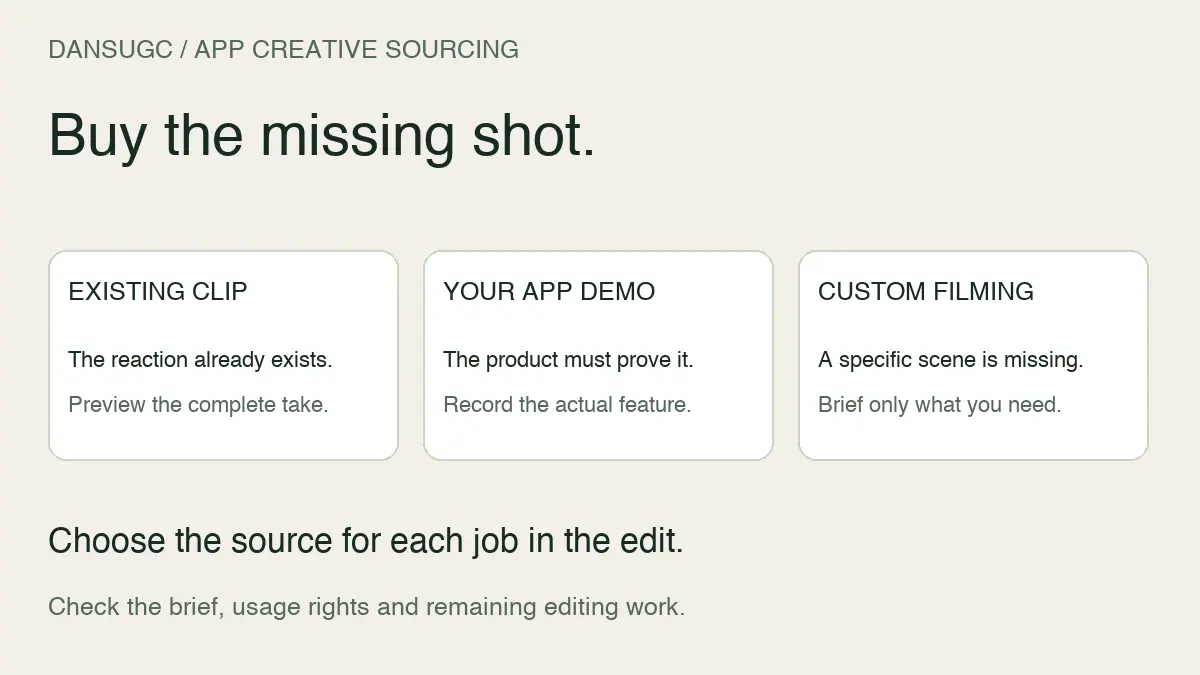
Buy existing UGC clips when the shot you need is already available and its permitted uses fit your project. Commission custom UGC when the creator must speak your script, handle your product, or perform a specific action. You can combine both: existing footage for supporting moments, custom footage for the parts that must be yours.
Start with the missing shot. Not the package size.
A surprised face can open an edit. It cannot demonstrate a feature it never shows. A custom shoot can solve that gap, but paying for one does not automatically mean the final video will work. These are sourcing choices, not performance guarantees.
The difference is control over what gets filmed
An existing clip is footage you can inspect before choosing it. You are selecting from what has already been recorded. Custom UGC starts with a brief and produces new footage for that scope. You have more opportunity to specify the action, words, setting, and product moment, but you also need a process for reviewing the result.
Do not confuse either option with a finished edit. A raw clip may still need captions, product footage, audio, and an ending. A custom order may cover only one recorded format. Ask what the deliverable includes instead of interpreting the word “video” as “ready to publish.”
DansUGC has separate entry points for the B-roll library and custom orders. Choose the source after you know the job. Use the UGC clips guide for the broader format and selection checklist.
Choose existing clips when the visual moment already fits
Existing footage is useful for a reaction opener, a transition, an everyday setting, or a supporting visual that does not require a new product-specific action. The advantage is that you can judge the actual take before building your edit around it.
Watch the whole clip. A strong first frame is not enough if the expression ends too early, the framing prevents your crop, or an unrelated object distracts from the message. Check that the movement connects naturally to the next shot. A clip that looks good alone may still be wrong for your sequence.
Before choosing it, answer three questions:
- Does this footage show the moment the script needs?
- Can I edit it into the intended output without creating a misleading impression?
- Does the license permit my intended use?
If any answer is unclear, resolve it before building the campaign or organic post around that asset. Access to a download does not answer every rights question. Check the actual terms for channels, duration, editing, and other intended uses.
Choose custom UGC when the missing moment is specific
Custom footage makes sense when a creator needs to say exact words, show your actual product, demonstrate a workflow, or perform a scene that the existing library does not contain. Write that missing moment into the brief before selecting a creator.
Be concrete. “Show the app” leaves too much to interpretation. “Record the current onboarding screen, complete the first action, and keep the screen readable” gives the reviewer something to check. Supply the current script and product references, and identify which elements must not change.
Also ask what you must provide. Does the creator need a shipped product, an account, a screen recording, or a supplied script? Who assembles the final edit? What happens if a required shot is missing? These questions affect the real scope even when the format name sounds familiar.
Use the UGC drop brief template to capture deliverables and approval requirements. A drop is a batch-delivery scope; it does not tell you whether every asset is existing, newly filmed, raw, or finished.
Use a hybrid approach when only part of the story needs filming
You do not have to buy every shot the same way. Consider a hypothetical app explainer: it needs an opening reaction, a demonstration of the app, and a closing line. Existing footage might fit the reaction. The demonstration must show the actual app. The closing line may require a creator to read a supplied script.
That is a planning example, not a DansUGC case study. Its purpose is to separate the jobs inside one video. Commission the missing product-specific material, then check whether the other moments can come from suitable existing assets.
Review continuity before committing. A change in person, lighting, or setting can be intentional, but it should not accidentally imply that two different people are the same customer. Captions and voiceover need to describe what the footage actually supports.
For mobile app ads, source each shot separately
Buying UGC clips versus hiring a creator is not one decision for the whole campaign. It is a decision for each missing shot. A mobile app team may already own the most important material: a recording of the product doing the job the ad promises.
Keep that product evidence separate from the reaction that introduces it. Your editor can combine them, but the reaction does not prove that the person used your app. That distinction matters whether you publish organically or run the edit on Meta or TikTok.
Existing reaction plus your own recording
Use this route when your concept needs an expression or everyday moment and your team can supply the actual product demonstration. Preview the whole take before buying. Check the timing, crop, distracting objects and whether the expression fits the message without an invented testimonial.
For example, a hypothetical study app could open with a frustrated reaction, then show the user turning a page of notes into a practice question. The screen recording supplies the evidence. The opening sets up the situation. A caption such as “Turn these notes into a practice question” describes the feature; “This app got me an A” invents an outcome unless you have genuine support for that claim.
The app footage use-case page shows reaction-plus-demo, overlay and split-screen formats. Those edited examples illustrate assembly options, not controlled evidence of better ad performance.
Custom filming for a product-specific moment
Commission a creator when the shot must show someone physically using your product, speaking an approved explanation or performing an action absent from the library. Ask for that exact action in the brief. A general instruction to “make it authentic” does not define what must be delivered.
If the person needs to discuss their own experience, give them the opportunity to use the product and keep their account truthful. A paid script is not a substitute for customer evidence. Confirm the deliverables, revision boundaries and intended usage with the supplier before the shoot.
A hybrid when the gap is small
Use existing reaction footage for the opening, your own recording for the demo and custom footage only for the missing explanation or physical action. This can reduce the amount you need to commission; it does not automatically reduce total cost. Editing, coordination and rights still count.
Avoid implying that different people in a montage are the same user. The viewer should understand whose words are being spoken and what the video actually demonstrates. For sequence planning, use the reaction-video storyboard for apps.
Copy this shot-sourcing worksheet before buying
For each planned creative, fill in these fields. The worksheet is a production decision aid, not an ad-performance model.
- Message: What specific problem or task will the viewer understand?
- Required evidence: What must the actual product demonstrate?
- Shot already owned: Which current app recording or approved footage can we reuse?
- Missing human moment: Do we need an expression, a spoken line, a physical demonstration or a genuine experience?
- Source choice: Existing clip, in-house recording, custom filming or a combination?
- Acceptance check: What must be visible or audible for this shot to pass?
- Usage check: What channels, brand, duration and edits are permitted by the applicable agreement?
- Remaining owner: Who completes captions, audio, editing, export and review?
Here is a filled hypothetical example for that study app:
- Message: Create one practice question from a page of notes.
- Required evidence: A legible recording of the current feature producing the question.
- Already owned: The product team's approved recording, with personal information removed.
- Missing moment: A short frustration-to-relief expression; no spoken endorsement needed.
- Source choice: Preview existing reaction footage first. If no take fits, brief the specific expression or change the opening concept.
- Acceptance check: The reaction leads naturally into the demo; captions do not cover the interface; the promised task is actually shown.
- Usage check: Confirm permission for the intended paid placements and campaign period before purchasing or launching.
- Remaining owner: The editor combines footage and recording; the product owner verifies accuracy; the marketer checks the destination and measurement setup.
This is not a customer result or a claim that this concept will win. Its value is making the missing input visible before you buy a pack or book a shoot.
Calculate production cost without confusing it with acquisition cost
Use the same scope for both quotes. Write down sourcing or filming, editing, coordination, revisions and any additional permissions required for the intended use. Then divide by the number of finished exports that actually pass your brief, not by every file in the folder.
For illustration only: suppose a source-and-edit batch costs $300 and produces six approved exports. Its production cost is $50 per approved export. If another route costs $240 but produces only three approved exports, the cost is $80 each. These are invented arithmetic examples, not DansUGC prices, creator market rates or measured production results.
Neither number is your cost per install or customer. Media spend, attribution and downstream customer actions answer a different question. Use the mobile app UGC brief and scorecard to keep production acceptance separate from acquisition measurement.
Before committing, record the applicable terms alongside the source asset. Read the current DansUGC content license for DansUGC purchases rather than relying on an old blog summary. Custom filming does not automatically mean exclusive ownership, and purchasing a raw clip does not automatically include creator-account posting rights.
Compare the cost of approved output, not just the source file
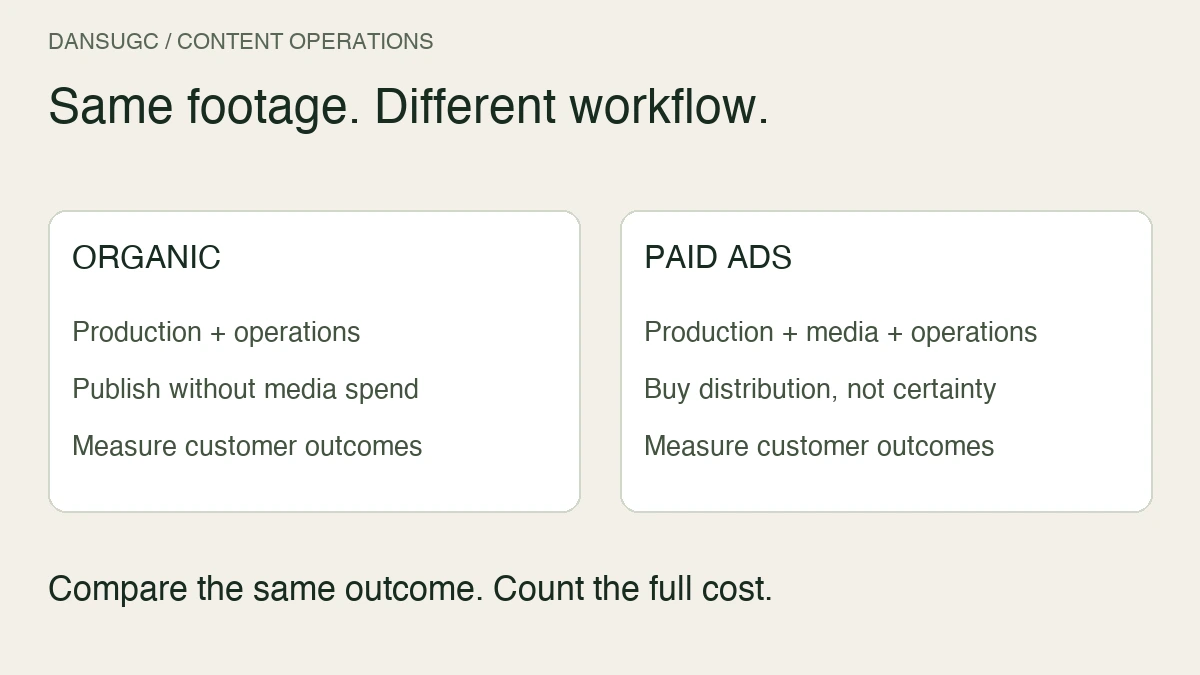
The useful comparison includes everything needed to get an approved asset ready for its channel: sourcing or filming, editing, coordination, revisions, and any required usage permissions. A lower source-file price can still leave more work for your team. A higher filming quote can still exclude editing.
Ask both options the same questions. What exactly arrives? What is still missing? Who supplies it? What does approval require? Compare like-for-like scope before deciding which path is cheaper for your particular project.
Do not divide a bundle price by every possible export and call that the cost of a usable video. Count the exports that pass your requirements. Repeated crops or caption changes may be useful variants, but they are not automatically distinct ideas.
Test the source choice with one complete edit
Before scaling either path, take one asset through the whole process. Check the brief, rights, raw material, edit, approval, and destination. If your editor cannot complete that path, more footage will not fix the underlying gap.
For existing clips, the checkpoint is whether the selected footage really works in context. For custom footage, it is whether the delivered take meets the agreed brief. Keep those judgments separate from distribution results. An approved edit may still attract the wrong audience or present an offer people do not want.
The content-factory workflow explains how to keep those handoffs traceable. Record source IDs, the approved version, and the published destination so you can find the material again without guessing.
What not to assume
Neither route guarantees viral reach, sales, or a specific delivery time. Existing footage is not necessarily exclusive. Custom filming does not automatically include every usage right or revision you might later need. Confirm the actual agreement and current scope.
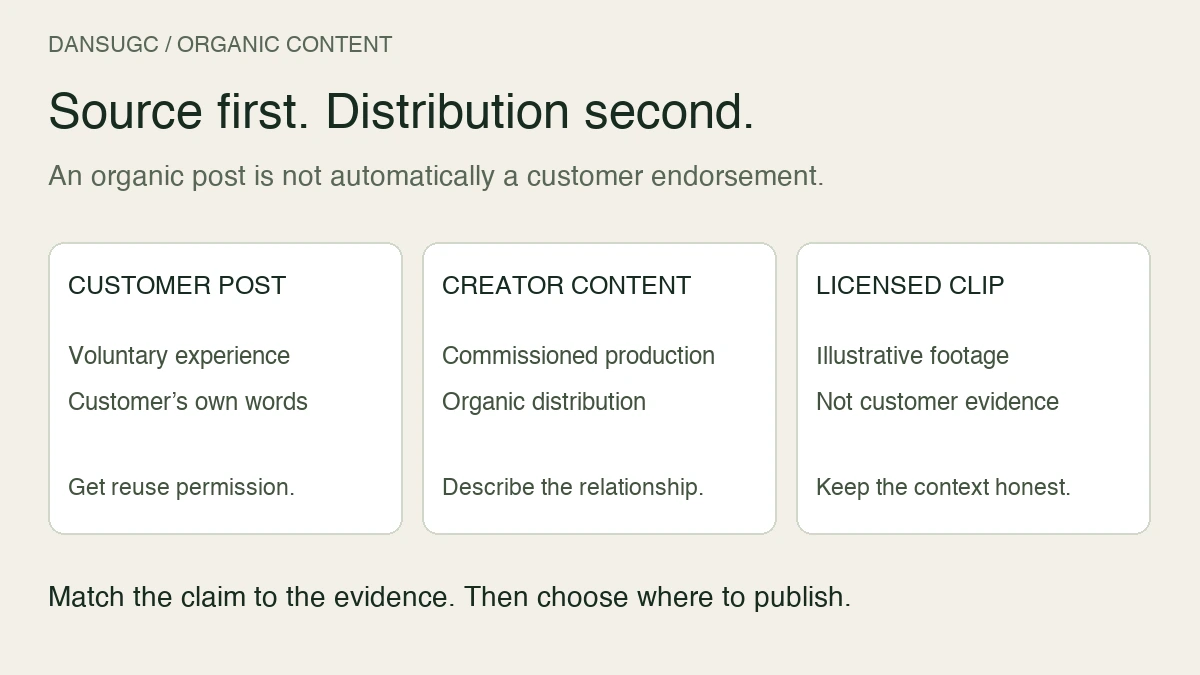
Do not present a staged reaction as a real customer's experience. If someone has not used your product, do not write their words as a personal result. Product claims and testimonials need their own evidence and review; choosing a real human creator does not make an unsupported claim accurate.
A quick decision checklist
- The exact shot exists, works in the edit, and its terms fit: consider an existing clip.
- The shot needs your product, script, or a specific original scene: brief custom footage.
- Only one part needs new filming: consider combining the two sources.
- You cannot define the required shot yet: fix the brief before buying either option.
Frequently asked questions
Are UGC clips the same as custom UGC?
Not in this buying comparison. Existing clips are selected from recorded footage. Custom UGC is newly filmed to an agreed brief. Either can be raw or edited, so confirm deliverables separately.
Is custom UGC always better?
No. It is better suited to a specific filming requirement. If the right existing shot already serves the message and its permitted use fits, commissioning a replacement may not solve any additional problem.
Can I combine library clips and custom footage?
Yes, provided the intended use is permitted and the finished sequence is accurate and coherent. Check the rights and how the people, product shots, captions, and voiceover relate to one another.
Where should I start?
Write a shot list, mark what you already have, and identify the gap. Browse the DansUGC library for suitable existing moments. Use the custom-order flow when the required action must be filmed to your brief. Buy the missing input, then evaluate the completed edit.
This guide is a buyer-side decision framework, not a pricing benchmark or performance study. Examples are hypothetical. Check the current product pages and terms before ordering.
Ready to get UGC videos for your brand?
Real human creators, 48-hour delivery, 12-month commercial license. Starting at $9/video.