How to build a UGC content factory: a practical workflow
A buyer-side workflow for briefs, library clips, custom filming, raw-file review, editing, approval, and measurement. Build usable output before scaling volume.

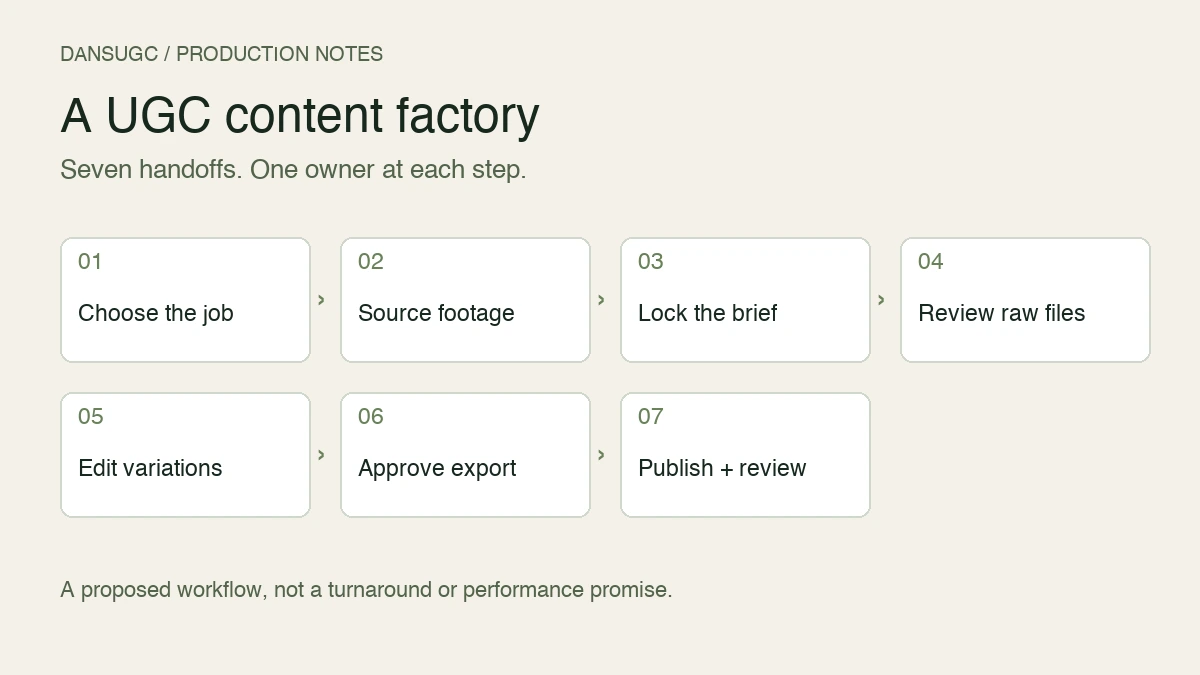
A UGC content factory is a repeatable workflow that turns a brief into approved creator footage, finished edits, published content, and a recorded learning. Build it around seven handoffs: choose the job, select the footage source, lock the brief, inspect the raw files, edit, approve, and review. The output is usable content. A folder full of exports is not the same thing.
Start with the bottleneck. If you already have usable clips but nobody can approve an edit, buying more footage just makes the queue longer.
This is a proposed operating workflow for a small brand or app team, grounded in the public DansUGC library and custom-order flow checked on September 11, 2026. It is not a customer case study or a promise of a particular turnaround, monthly output, or conversion lift.
1. Choose one job for the next batch
Write down what the viewer should understand and do. For an organic post, that might be understanding a product use case and opening its page. For an ad, it might be checking whether a specific problem statement attracts qualified visitors. Those are different jobs. Do not ask one edit to explain the entire business.
Then define an asset. A raw reaction, a product recording, and a captioned finished video are three different deliverables. Agree which ones the brief includes before choosing a production target.
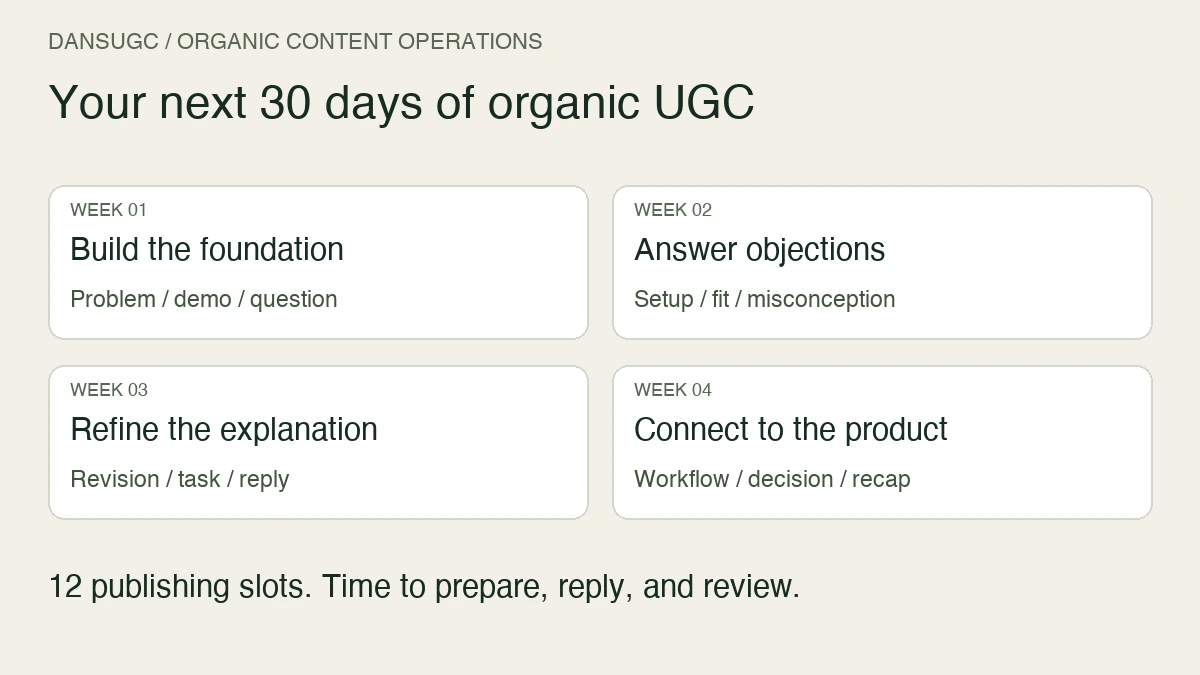
Keep the first batch small enough that someone can actually watch every export. There is no universal requirement to make 20, 50, or 100 videos a month. Your editing capacity, distribution plan, budget, and review time decide the useful quantity.
Record a batch owner, intended channel, audience problem, desired action, and approval deadline. If a field is unknown, resolve it before filming. An unclear deadline becomes an editing emergency later.
2. Pick library clips, custom footage, or a UGC drop
Use existing footage when the visual job is already available: a reaction, transition, setting, or supporting shot. Use custom filming when the creator needs to say your script, handle your product, or demonstrate a particular action. A UGC drop describes a defined batch delivery; it is not a substitute for specifying what is inside that batch.
At DansUGC, the B-roll library and custom-order flow are separate entry points. The order page asks buyers to choose formats, creators, and a brief. Its talking-head format calls for a supplied script; its full-UGC format describes multiple scenes and editing. Check the selected format's current scope rather than assuming every order includes a finished ad.
Before downloading or commissioning, list the missing shots. If the gap is a product demonstration, another generic surprised face will not close it. If the gap is a reaction opener, you may not need to commission a complete production.
Use the UGC clips guide for footage selection and the UGC drop guide for batch scoping. This page covers the handoffs between those inputs and usable output.
3. Lock the brief and the approval rules
A useful brief removes decisions that would otherwise land in the editor's inbox. Include the intended viewer, one message, required shots, exact product facts, reference clips, and the next step. Separate mandatory requirements from optional creative suggestions.
Name the person who can approve the work. Collect their feedback in one place, with timestamps and a reason. “Make it better” is not a revision instruction. “At 00:04, replace the outdated screen with the current checkout screen” is.
Use the UGC drop brief template to document asset counts, usage scope, revisions, and acceptance. Confirm the permitted channels, duration, editing, and other rights with the provider before use; do not infer permission from access to a download button.
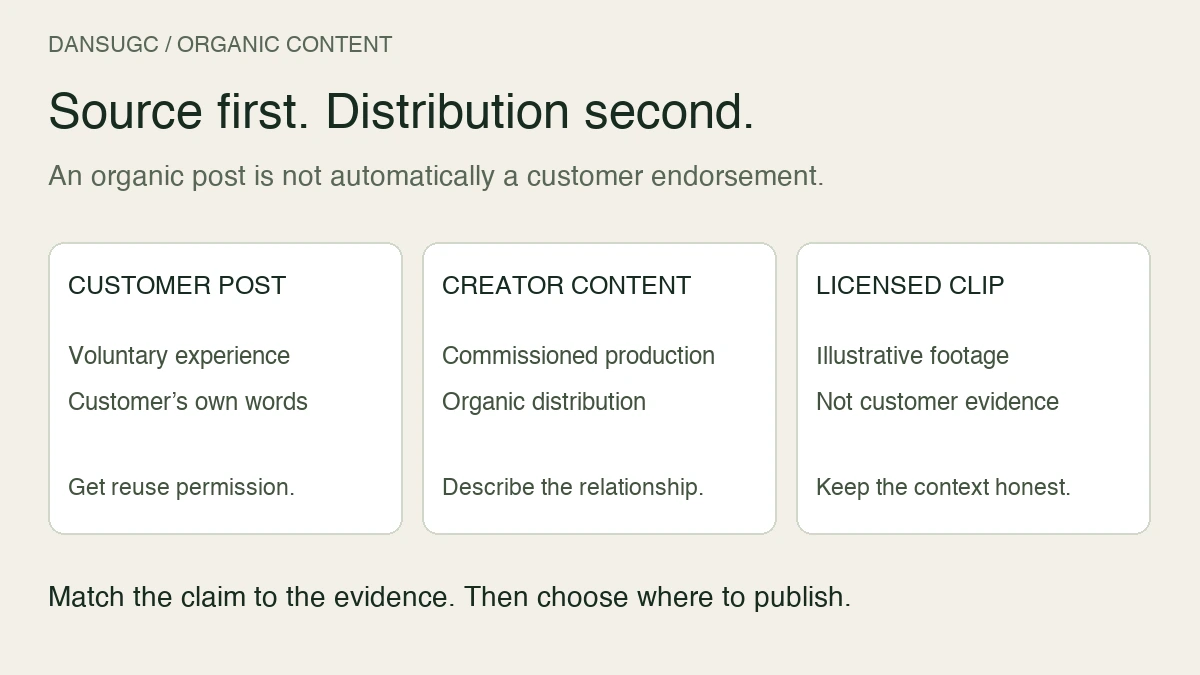
Do not turn a staged reaction into an invented customer experience. If the creator has not used the product, do not write their line as a personal result. Keep product claims tied to evidence your team can supply. Route endorsement, disclosure, and regulated-product questions to the person responsible for compliance before approval.
4. Inspect raw footage before the editing queue
Raw-file review is a separate checkpoint. Watch the entire take. Check that the required action is present, the subject stays in frame, speech is understandable, and the product or screen shown is current. Confirm the files open and that the framing supports the intended output.
Give each source asset an ID. Record its creator or source, brief, rights record, and inspection result. Mark missing shots now. Waiting until the finished edit is due makes a simple reshoot harder to schedule.
Keep raw files unchanged. An editor should be able to trace an export back to its source without guessing which file called “final-final” was approved. A simple naming pattern is batch ID, source ID, angle, variant, and version. The exact punctuation matters less than using one pattern consistently.
5. Build variations around one clear question
Modular editing means reusing compatible parts, not multiplying every hook by every ending. A new opening still needs to connect logically to the footage after it. Check pronouns, continuity, emotional tone, captions, and the transition into the product moment.
Here is a hypothetical planning example, not DansUGC performance data: you have three approved openings, two product demonstrations, and one closing action. That makes six possible opening-and-demonstration pairings. If two pairings do not make sense, your useful queue has four edits, not six.
Write the question next to each edit: “Does opening with the problem make the use case clearer?” Keep the remaining structure similar where practical. If you change the creator, message, length, and destination together, you cannot confidently credit the opening for a different result.
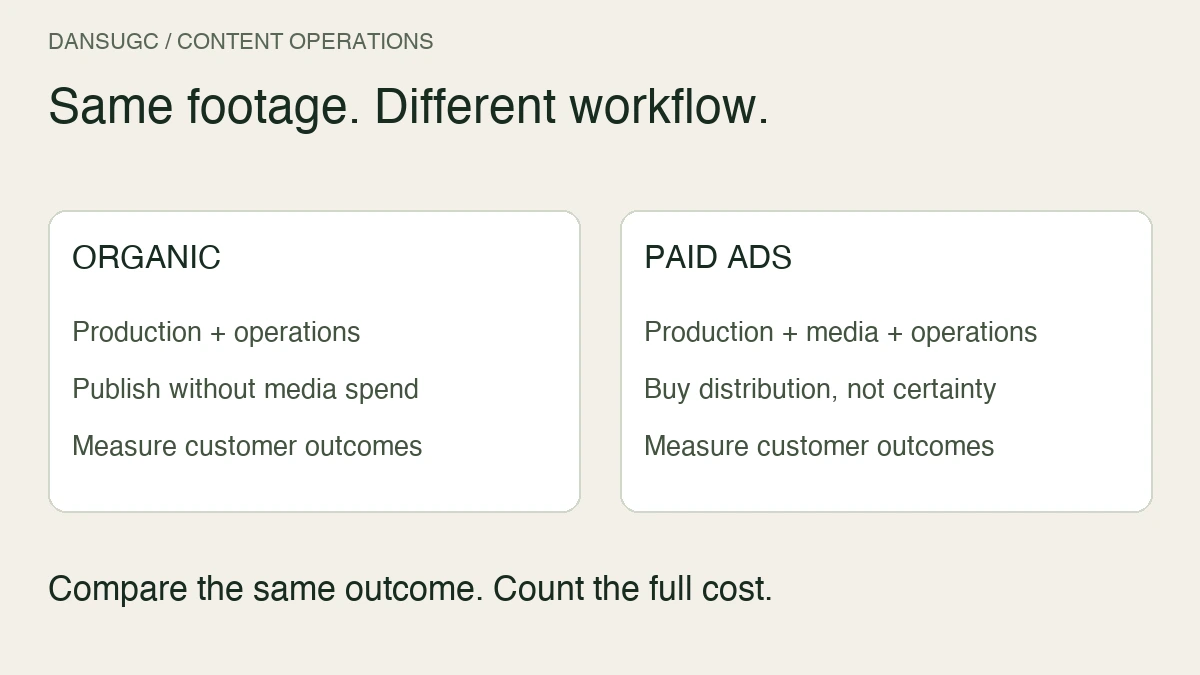
For organic distribution, adapt the caption and context to the channel. For paid distribution, review the destination and offer as well as the video. More versions do not guarantee better reach or sales in either case.
6. Approve the finished asset, not just the timeline
Watch the actual exported file on a phone. Check captions at normal size, text placement, audio, the first frame, and the final action. Confirm that a clickable destination, where used, opens the right current page. Editing-project previews do not prove the export is correct.
Use an explicit checklist:
- The video answers the brief and contains every required shot.
- Product facts, screens, and claims have been checked.
- Usage permissions and any required disclosures have been reviewed.
- Captions are readable and match the audio.
- The export plays correctly and has a usable static cover or poster.
- One named reviewer has approved this exact version.
Store the approval next to the export. If the asset changes after approval, review the changed version. A previous approval should not silently apply to a different claim or closing offer.
7. Measure the bottleneck, then choose the next batch
Track production and distribution separately. Production tells you whether the workflow ships usable work. Distribution tells you what happened after people saw it. A clean production process can still produce a weak message or offer.
Start with four operational measures: time from locked brief to approval, delivered assets accepted without revision, revision rounds, and fully loaded cost per approved asset. Include filming, editing, coordination, and rejected work in your cost calculation. A cheap raw clip is not automatically a cheap finished video.
For each published asset, store the channel, publication date, source IDs, destination, and relevant outcome. Use actual tracked signups or purchases when that is the goal. Views and clicks describe attention; they do not prove revenue. Leave unknown attribution marked unknown.
Review the next action from the evidence. Missing shots suggest a briefing or sourcing change. Repeated caption fixes suggest an editing checklist change. Approved videos waiting to go live suggest an ownership problem. Do not answer every problem by ordering more creators.
A lean handoff board you can copy
Use these states: brief ready, footage requested, raw review, editing, approval, ready to publish, published, reviewed. Every row needs an owner and a link to the next required artifact. “In progress” alone does not explain what is blocking an asset.
Keep one board rather than separate lists that disagree. The brief links to source files; the edit links to approval; the published row links to its destination and results. Start a replacement batch when you can explain the missing input or the question it should answer, not simply because the calendar says to produce more.
Common questions
Can one person run a UGC content factory?
Yes, at a manageable volume. One person can own several stages, but should still separate briefing, raw review, export QA, and approval. Set output from available hours rather than a generic monthly target.
Do library clips replace custom UGC?
They solve different jobs. Existing clips can supply suitable visual moments. A specific spoken claim, product interaction, or original scene may require custom filming. Check the missing shot before choosing the source.
Does a content factory guarantee viral content?
No. It makes the work more repeatable and traceable. Reach and commercial results still depend on the content, audience, offer, distribution, and measurement. Treat each new batch as a question to answer, not a promised winner.
Where should a brand start with DansUGC?
Write the missing-shot list first. Then check the library for footage that already fits, or open a custom order when the action needs to be filmed to your brief. Approve one complete workflow before increasing volume.
Updated September 11, 2026: reframed this guide around buyer-side handoffs, separated clips from custom filming and batch delivery, and replaced generic output and performance expectations with an explicit QA process and a labeled planning example.
Ready to get UGC videos for your brand?
Real human creators, 48-hour delivery, full commercial rights. Starting at $9/video.