Organic UGC: what it means and how brands use it
Separate voluntary customer posts from paid creator content distributed organically. A practical sourcing, evidence, permissions, and measurement workflow.

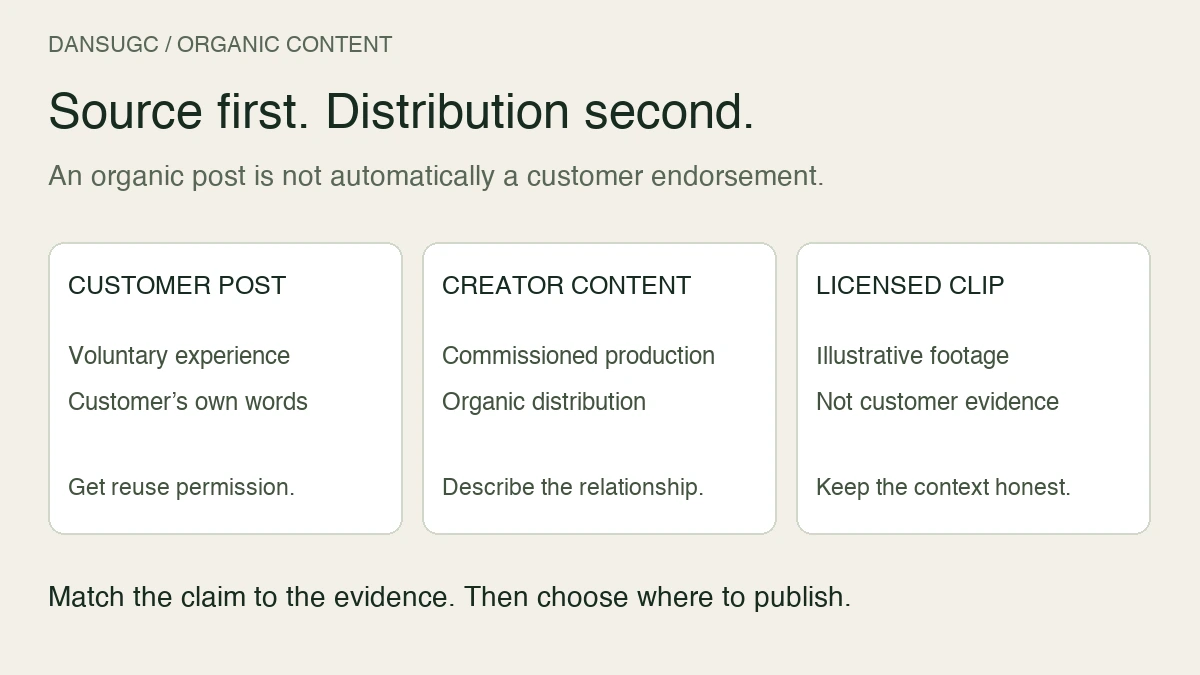
Organic UGC is user-generated content created voluntarily by customers or users, without a brand paying for that specific contribution. In marketing conversations, the phrase also gets used for creator content posted without paid distribution. Those are different things.
A customer sharing their own experience is not the same as a commissioned creator video on your brand account. Both can be useful. Calling both unpaid customer feedback creates the wrong expectation.
Separate where the content comes from from how you distribute it. Then build the workflow around the job the post needs to do.
What counts as organic UGC?
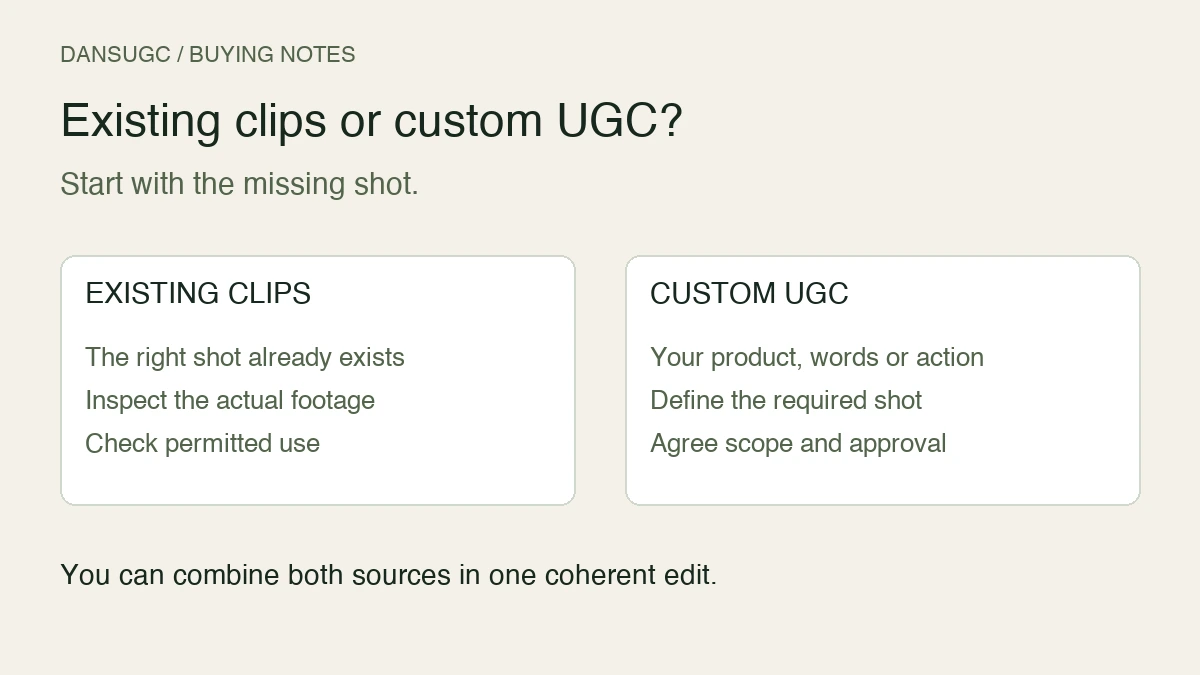
There are three useful buckets. Keep them separate in your content library, even if the finished videos look similar.
Voluntary customer content
A customer posts a product walkthrough, an unboxing, or a comment about their experience without being commissioned to make that contribution. This is the clearest meaning of organic UGC.
You did not write the experience for them. Their words are evidence of what they actually think, not proof that everyone gets the same result. Before reusing the post, check permission and the scope of reuse rather than assuming a public post is a reusable brand asset.
Commissioned creator content with organic distribution
You pay a creator to make a demonstration or other video, then publish it on an account without buying media placement. Distribution is organic. Production was paid.
Describe it as commissioned creator content, not an unsolicited customer review. If the video contains an endorsement, the relationship and claims need appropriate treatment even when no ad budget sits behind the post.
Licensed clips used as illustration
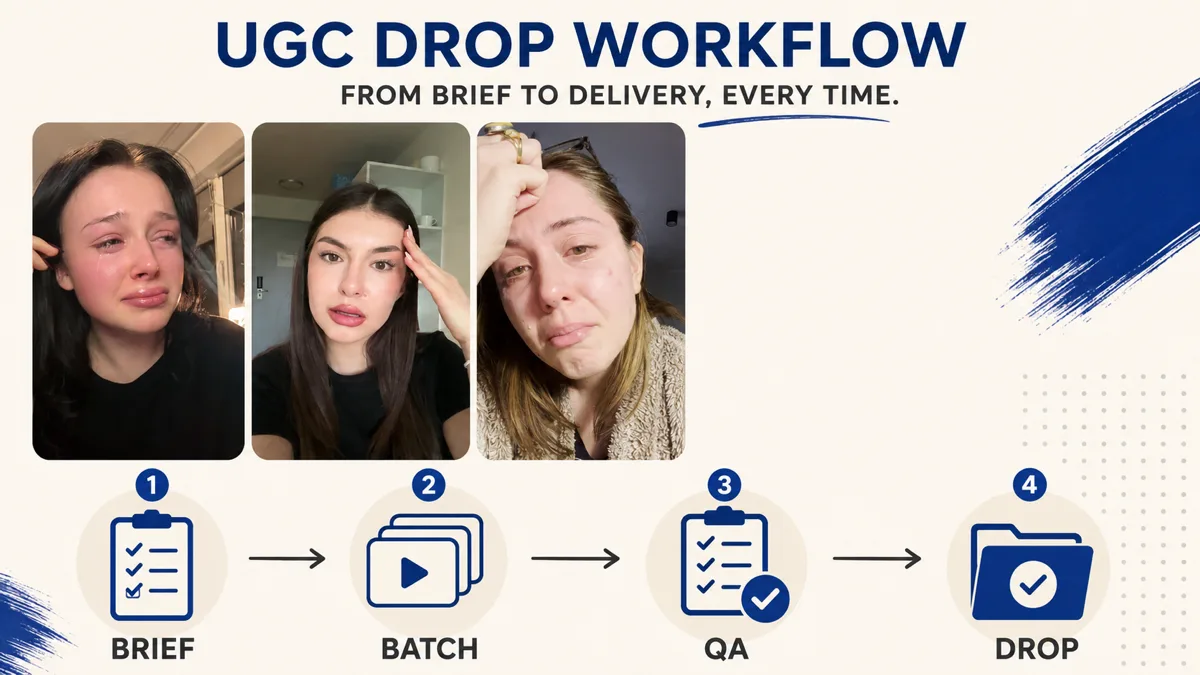
A reaction shot or everyday B-roll clip can illustrate an opening line, a situation, or a transition. It does not establish that the person used your app or achieved a result.
For example, a frustrated expression beside a screen recording can introduce a problem. Adding “this customer saved hours with our app” changes the meaning. You now need a real customer experience that supports the statement, not just a face that fits the edit.
Our UGC clips guide explains the asset side. This guide is about using those assets honestly inside an organic publishing workflow.
Start with a question, not a folder of clips
Pick one question your intended user would ask before trying the product. “What does this feature actually do?” is a workable brief. “Make us go viral” is not.
Match the evidence to that question:
- To show how a feature works, record the actual product completing the task.
- To explain a customer's experience, use their genuine words with permission and accurate context.
- To introduce a familiar situation, use clearly illustrative footage that does not imply an unsupported personal claim.
- To answer an objection, demonstrate the relevant detail instead of attaching a generic reaction to a promise.
Give each post one main job. A walkthrough can help someone understand the product without also carrying a testimonial, a feature list, and a purchase pitch.
A practical organic UGC workflow
1. Write the claim before sourcing the footage
Put the intended message in one sentence. Then underline the parts that require evidence.
“Here is how to turn lecture notes into a revision checklist” needs a working demonstration. “This doubled my grades” needs a genuine, supportable personal result. A creator's expression cannot supply that evidence.
If the proof is unavailable, change the claim. Do not make the editing brief responsible for rescuing an unsupported promise.
2. Record the source and permitted use
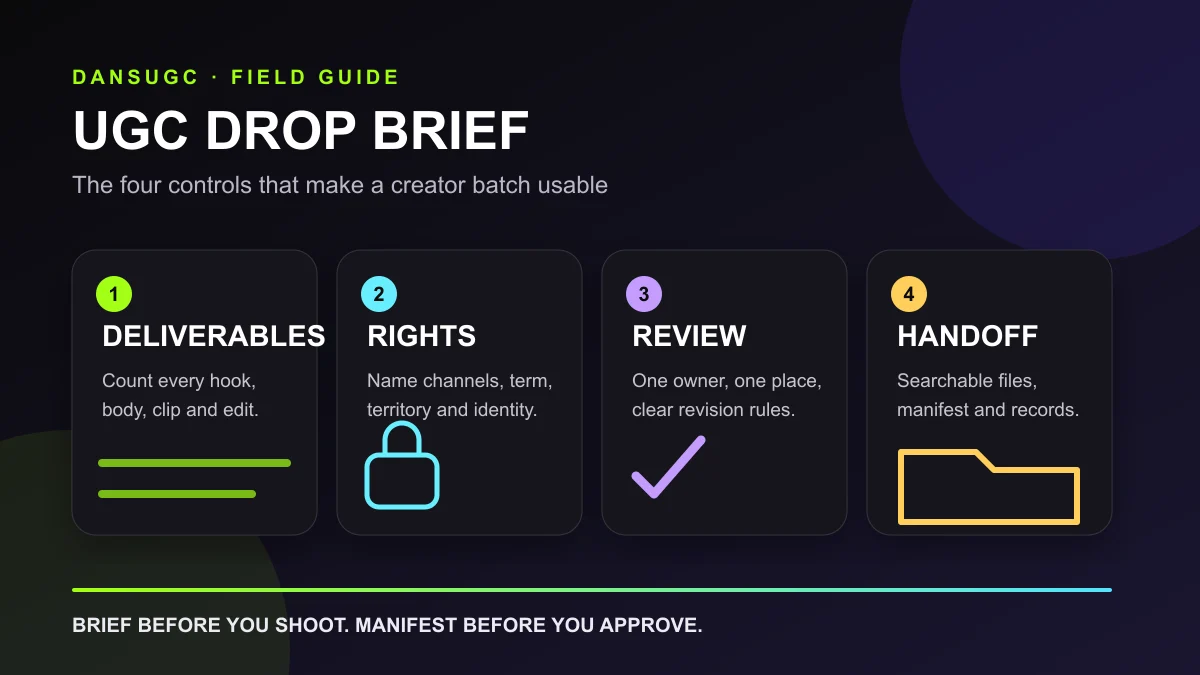
Keep the original asset, creator or customer reference, permission record, and any restrictions together. Note whether you can edit, repost, use the person's name, and publish on the intended account or channel. Check music and other included material too.
An organic social post and a paid advertisement are different uses. Permission for one should not be treated as automatic permission for the other.
Use a simple asset register before the library becomes unmanageable. The UGC asset-management guide covers the organization layer. The goal here is to make the source and allowed use easy for the editor to find.
3. Build the post around visible evidence
Show the product detail that answers the question. Use supporting footage where it helps the viewer follow the idea, not where it hides the absence of a demonstration.
Keep text readable on a phone. Leave enough time to understand the screen recording. Review the post without sound and then with sound, because either version can reveal a claim or context problem the other misses.
For more ways to structure footage, see the reaction-clip examples. Treat the examples as editing options, not a guarantee of reach.
4. Check the relationship and the caption
Unpaid distribution does not remove endorsement-disclosure responsibilities. The FTC's US guidance says material brand relationships, including payment or free products, should be disclosed clearly when relevant to an endorsement. Disclosures should accompany the endorsement rather than be hidden elsewhere. Endorsers should not claim an experience they did not have.
Read the FTC's Disclosures 101 guidance and check the rules that apply to your market and platform. This workflow is not a substitute for advice about a particular campaign.
Read the whole edit and caption together. A harmless-looking clip can become misleading when the caption labels the person as a customer or attributes a result to them.
5. Publish with one useful next step
Choose a next step that follows the post. A feature demonstration can point to the feature or product page. An educational answer can point to a deeper guide. A broad awareness post does not need a forced sales instruction in every sentence.
Use a consistent tracking link where the platform supports it. Keep the post identifier and destination in your content log so a later traffic spike has something concrete to compare against.
Example: a consumer app post without a fake testimonial
This is a hypothetical planning example, not a reported DansUGC result.
The question is: “How would I organize scattered study notes?” The post opens with a clearly illustrative overwhelmed reaction. It then shows the real app organizing example notes into a checklist. The caption describes the demonstrated task and points viewers to the product walkthrough.
The reaction supplies visual context. The screen recording supplies evidence of the feature. Neither claims that the person in the clip is a subscriber, improved their grades, or recommends the app.
If you want to add a real user's experience, collect it separately. Preserve what they actually said, get the necessary permission, and explain any relevant relationship. Do not retrofit a testimonial onto licensed footage.
What should you measure?
Start with a small log you can maintain: publication date, post URL, audience question, content source, opening angle, destination, and intended outcome.
Review reach and viewing data alongside downstream behavior. Profile visits, link clicks, signups, and paid subscriptions answer different questions. A widely viewed post is not automatically an acquisition success.
Compare posts after similar amounts of time, and note differences in topic, account, or distribution before declaring one format better. If attribution is incomplete, say so. Unattributed subscriptions are not evidence that a particular post caused the sale.
Use the review to choose the next change. If viewers ask the same unresolved question, answer it in the next post. If people reach the product page but do not understand the offer, fix that explanation before producing more variations of the same video.
Frequently asked questions
Is organic UGC free?
Voluntary customer contributions can be unpaid, but permission handling, editing, and distribution still take work. Commissioned creator content is a production expense even when it is posted without paid media.
Can a brand buy organic UGC?
A brand can commission creator content for organic distribution. Buying the asset does not turn it into spontaneous customer feedback. Describe the source accurately and handle endorsements and permissions appropriately.
Can reaction clips be used in organic posts?
Yes, when the license permits the intended use and the edit is honest about what the footage represents. An illustrative reaction is not evidence that the person used or recommends your product.
Does organic UGC guarantee viral reach?
No. The content source alone does not guarantee distribution or sales. Choose a specific audience question, show useful evidence, and use actual post and business outcomes to guide revisions.
Build the next post around the missing evidence
If you need genuine customer feedback, ask a real customer. If you need a product demonstration, record the product. If you need supporting human footage, browse DansUGC's B-roll library and check the current usage terms before choosing an asset.
Do not ask one clip to do all three jobs.
This guide provides a recommended planning workflow. The app example is illustrative; it does not report measured campaign results.
Ready to get UGC videos for your brand?
Real human creators, 48-hour delivery, full commercial rights. Starting at $9/video.