UGC reel factory: repurpose clips into useful variations
Build a repeatable UGC reel workflow with reusable reaction clips, real product demos, distinct audience questions, and an editorial review for every export.

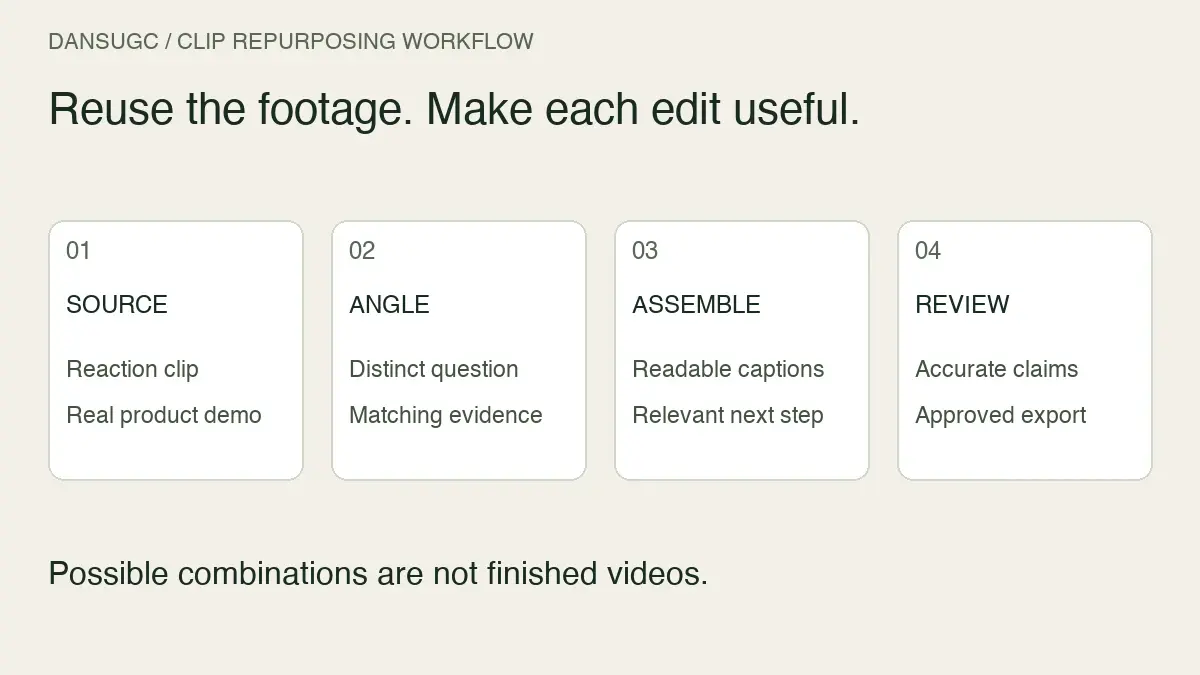
A UGC reel factory is a repeatable workflow for turning reusable creator footage, original product demos, and written hooks into short-form videos. Start with one audience question, match the reaction to the situation, show the product doing something relevant, and review every export. The goal is useful variations—not a folder full of near-identical videos.
At DansUGC, we supply the human reaction clips that can form one part of that workflow. You still need the message, product evidence, editing, and a destination that matches the video. A clip library is a production input, not a guarantee of reach or customers.
This guide focuses on assembling and repurposing reels. For context on sourcing and using the footage, use our UGC clips guide. For deciding when and why to publish each idea, use the organic UGC content calendar.
What should stay reusable—and what should change?
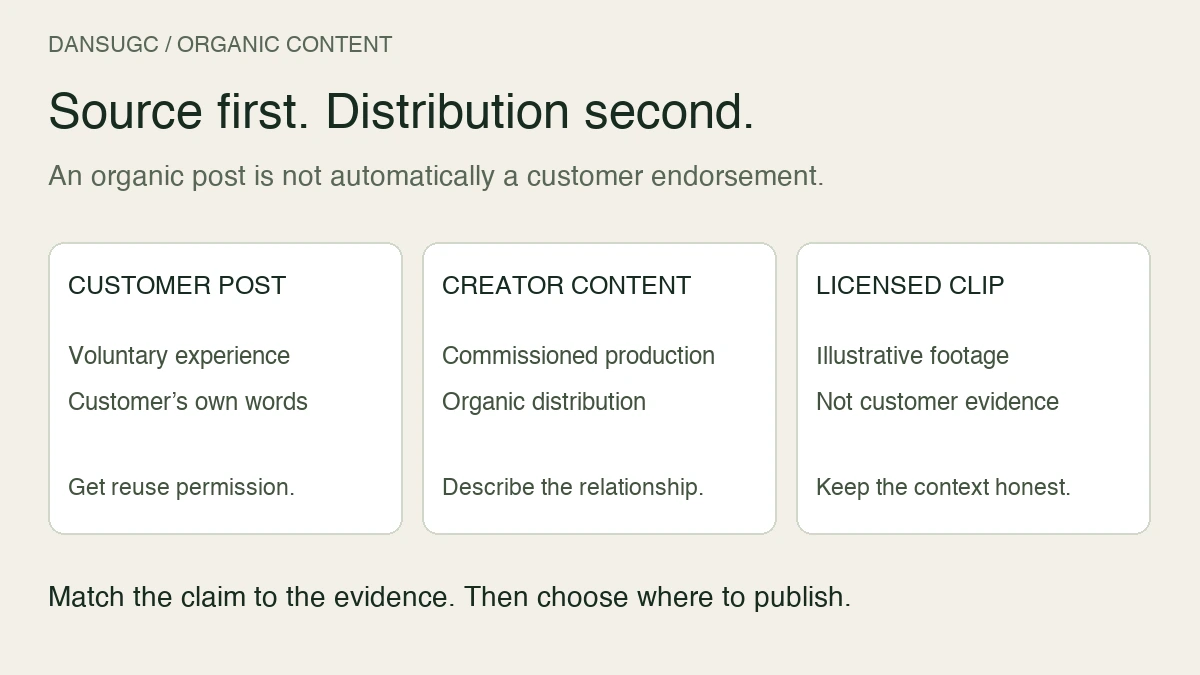
Keep reusable assets separate from the claim you make with them. A surprised face can introduce several situations. It cannot prove that a product works, establish a customer result, or stand in for a real testimonial.
Build each reel from four components:
- Human opening: a licensed reaction or B-roll clip that fits the situation without pretending the creator endorses your product.
- Specific question: the problem or task the viewer should understand immediately.
- Product evidence: your own current recording showing the relevant action and result, with private information removed.
- Next step: an instruction that leads to the matching feature, example, or offer.
The same reaction may fit two different demos. The same demo may answer two different questions. But if only the background music changes, do not treat that as a new content angle.
Step 1: build one complete source reel
Before you batch anything, make one reel that works from beginning to end. This is your reference version for framing, caption size, sound, and the handoff between the reaction and the demo.
For an illustrative scheduling app, the question could be: “How do I find a meeting time without a long email thread?” The human opening shows the frustration of coordinating. The screen recording shows the actual availability-selection flow. The closing directs viewers to try that feature.
That example is a storyboard, not a DansUGC client result. Replace it with a task your own product can demonstrably complete. Do not add claims about time saved unless you can support them.
Review the source reel without sound. Can someone still tell what the product does? Then listen without looking. Does the audio promise something the demo never shows? Fix those mismatches before making derivatives.
For a more detailed opening-to-demo structure, see our reaction video storyboard for apps.
Step 2: make a small asset library
You do not need a complex system to begin. A shared folder and a short register can work if another editor can find the correct file and understand its limits.
For each reaction clip, record its source, creator identifier, emotion, duration, permitted uses, and the location of the applicable license or agreement. Keep the original file separate from trimmed versions. Check the rights for the actual use; do not assume that access to a file permits every channel or placement.
For each product recording, note the feature, recording date, product version if relevant, and whether it contains test or customer data. A demo can become inaccurate when the interface or offer changes, even if the video still looks polished.
For each hook, store the audience question and the evidence needed to answer it. “Look at this feature” and “Here is how to complete this task” lead to different edits. Label them by meaning, not just hook-one and hook-two.
Use simple filenames such as reaction-frustrated-01, demo-availability-02, and hook-email-thread-01. Track the combination in your project file or content register so you can identify it after publication.
Step 3: plan variations before generating exports
Write the proposed edits as rows in a sheet. Each row needs a question, a reaction, a demo segment, a next step, and a reason it deserves to exist.
Here is an illustrative batch:
- Version A: the problem. Open with the coordination problem, then show the feature solving that exact task.
- Version B: the walkthrough. Open on the product action. Use the reaction as a short transition rather than the entire opening.
- Version C: the objection. Answer a real question, such as what the recipient sees. Record that view instead of recycling an unrelated dashboard.
- Version D: the use case. Show the same feature in a different relevant situation, with inputs and language specific to that situation.
- Version E: the limitation. Explain what the workflow does not do and who needs another solution. Keep the description accurate and useful.
Those five versions may reuse footage, but they should not all carry the same message. If you cannot explain the difference in one sentence, combine the ideas or drop one.
Three hooks, two demos, and two endings produce twelve possible combinations mathematically. They do not automatically produce twelve coherent reels. Some hooks will not fit some demos. Treat the combinations as candidates that need editorial review, not as finished inventory.
Step 4: assemble, then inspect every version
Templates help with repeatable tasks: positioning captions, placing a demo, applying a consistent end frame, and naming exports. They do not know whether an expression misrepresents the product or whether a result is supported.
Keep the main product action large enough to follow on a phone. If a full desktop recording becomes unreadable, record or crop the relevant interface area without hiding information needed to understand the action. Avoid placing important text where interface overlays will cover it; preview the finished video in the destination platform.
Match each hook to the exact moment that answers it. A headline about finding availability should not be followed by a generic account-settings screen. Remove dead time, but do not edit a multi-step process into something misleadingly effortless.
If you use automation to assemble drafts, maintain a human approval step. Review the beginning, transitions, key demo action, captions, audio, and ending of every file. Automation makes it easier to multiply a caption error as well as a good edit.
A release checklist for repurposed UGC reels
Before scheduling a reel, confirm:
- The opening and the demo answer the same audience question.
- The reaction is context, not a fabricated testimonial or implied customer result.
- Every product claim is supported by the recording or another identifiable source.
- Footage and audio permissions cover the intended use.
- Captions are readable on a phone and do not cover the important product action.
- No private customer information, credentials, or internal notifications appear.
- The landing page matches the feature and next step shown in the reel.
- The file has a unique version identifier and a publication record.
- The scheduled post has a suitable cover or static poster where needed.
Reject the edit if it fails a substantive check. A large batch is not a reason to publish an inaccurate version.
How to learn from the batch without inventing a winner
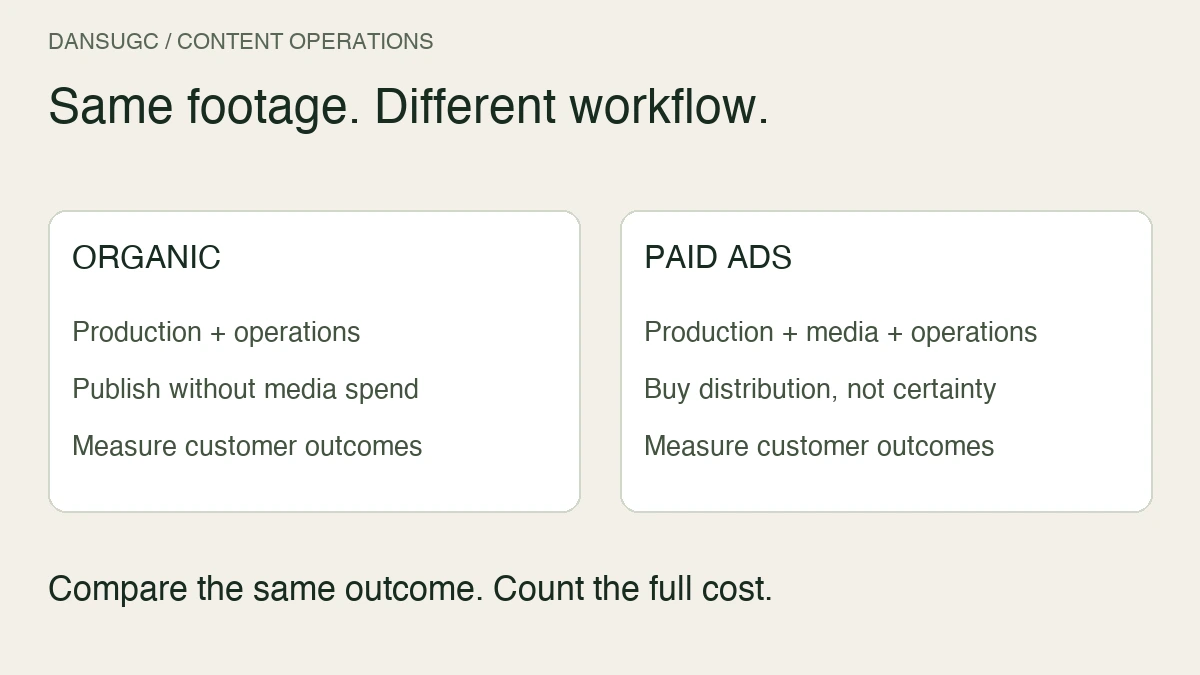
Record the platform, account, publication time, video version, hook, demo, and destination. Where links are clickable, use consistent campaign parameters and preserve them through your signup flow when permitted. Treat reported platform views, website visits, signups, and paying customers as different measures.
For organic reels, a change in distribution can affect results independently of the edit. Two posts published on different days are not a controlled experiment. Compare a consistent observation window, note differences in audience and placement, and use the results to form the next hypothesis rather than claiming the hook caused every change.
Also review the content itself. Did viewers ask the question you intended to answer? Did people reach a landing page that continued the same explanation? A clear demo with modest reach may reveal a useful audience question. A high-view reaction with an unrelated product reveal may tell you very little about demand.
Choose the next revision deliberately: a clearer opening, a different product example, or a better-matched destination. Changing all three at once can improve the reel, but it makes the reason for any difference harder to interpret.
Frequently asked questions
Can I reuse the same UGC reaction clip in several reels?
Yes, if your license permits the uses and the clip fits each situation. Give each edit a distinct question or useful explanation. Reusing an expression does not make it evidence that the creator has used or recommends your product.
How many variations should I make from one clip?
Make only the variations you can explain, support, and review. Start with a small set of distinct questions. There is no reliable universal number of useful reels hidden inside a single clip.
Does changing the hook make a video meaningfully different?
Sometimes. A new hook can serve a different audience question, but the demo and ending must answer it. A different sentence over an unchanged, mismatched video is not a strong variation.
Can a UGC reel factory run entirely automatically?
Parts of assembly can be automated. Claims, relevance, permissions, privacy, and final playback still need review. Do not confuse a successful export with an approved piece of content.
Build the first useful reel before the big batch
Start with one product task and one relevant human reaction. Finish the edit, verify the destination, and publish a version you can stand behind. Then reuse the assets where they help explain another real question.
If you need the human footage for that workflow, browse DansUGC reactions and B-roll. Choose clips for the situations in your plan, then pair them with your own product evidence. The production system should make a clear message easier to repeat—not turn an unsupported promise into a hundred files.
Updated September 30, 2026. This revision replaces the earlier volume, cost, speed, and performance claims with an illustrative production workflow. It does not promise a specific output rate or business result.
Ready to get UGC videos for your brand?
Real human creators, 48-hour delivery, full commercial rights. Starting at $9/video.