How UGC Creators Scale App Studio Content at Speed
Scaling UGC for app studio clients is less about filming more and more about building a system that can reliably ship winners. If you want bigger retainers without chaotic deadlines, this is the operating model to copy.
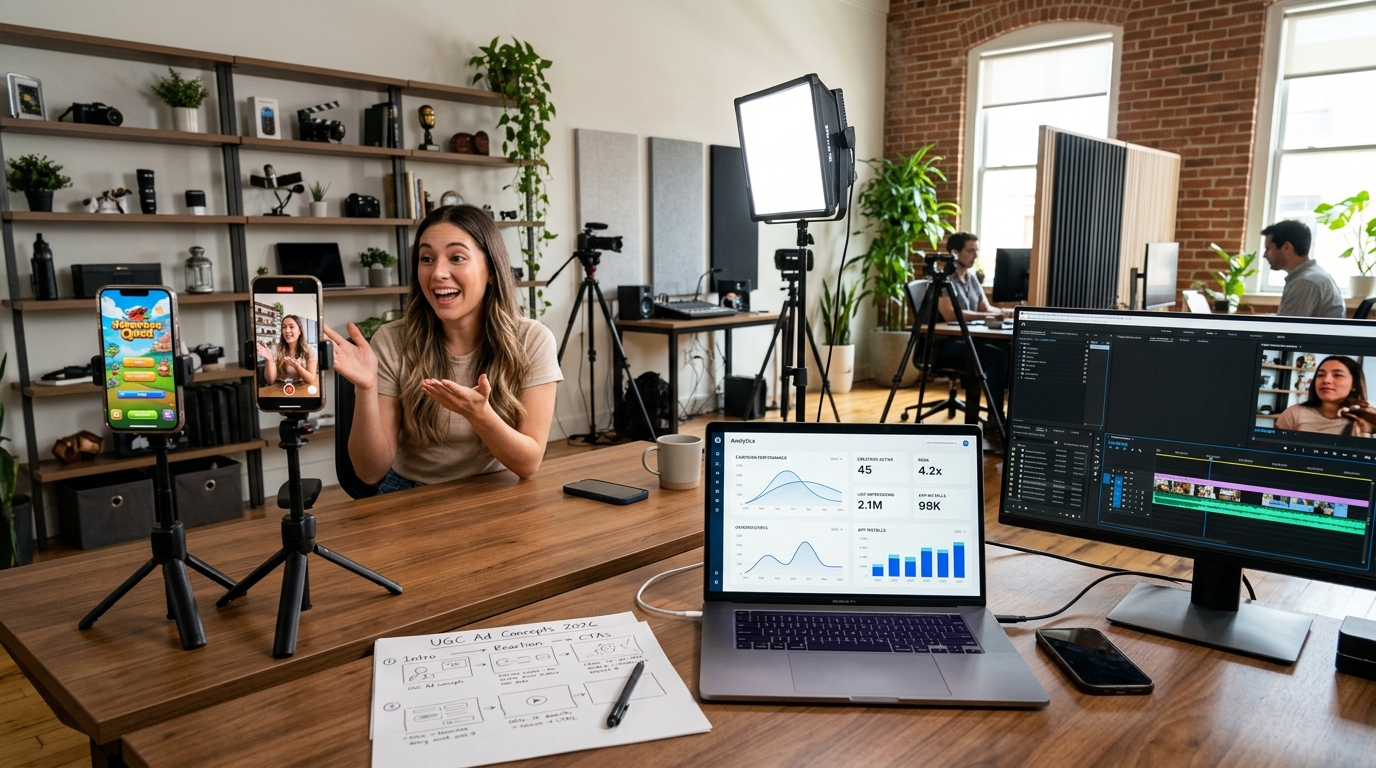
Scale UGC production app studio 2026 is the process of building a repeatable system that lets creators deliver more app ad videos without quality collapsing. Most app studios need fresh creatives every 2 to 4 weeks because paid social fatigue hits fast. That matters to creators because the people who can ship consistent volume, not just one good video, are the ones who win bigger retainers.
Why app studios care so much about scale
App studios are buying testing volume, not one pretty video. A mobile app brand can launch 10 to 20 creative variations in a month, cut losers within days, and push budget toward winners just as quickly. If you make every video from scratch, you become the bottleneck fast.
On TikTok, Meta, and YouTube Shorts, that is especially true. UGC-style ads work because they look native, but that same familiarity makes them burn out. A hook that worked three weeks ago can flatten once frequency rises and the audience has seen the angle too many times.
For creators, that creates a clear opportunity. If you can help an app studio refresh concepts, film faster, and keep output organized, you stop being a one-off freelancer and start becoming part of their acquisition engine.
What scaling actually looks like for a creator
Scaling is usually less dramatic than people think. For a UGC creator, it mostly means four things:
- faster briefing and concept approval
- reusable hooks, scripts, and shot structures
- a clean filming and editing workflow
- enough capacity to ship multiple variations each week
That can still be a one-person business at first. You do not need a giant team. You need process.
If a client asked you for 12 app ad variations in 7 days, could you do it without missing details or sending messy files? If not, the problem is probably system design, not talent.
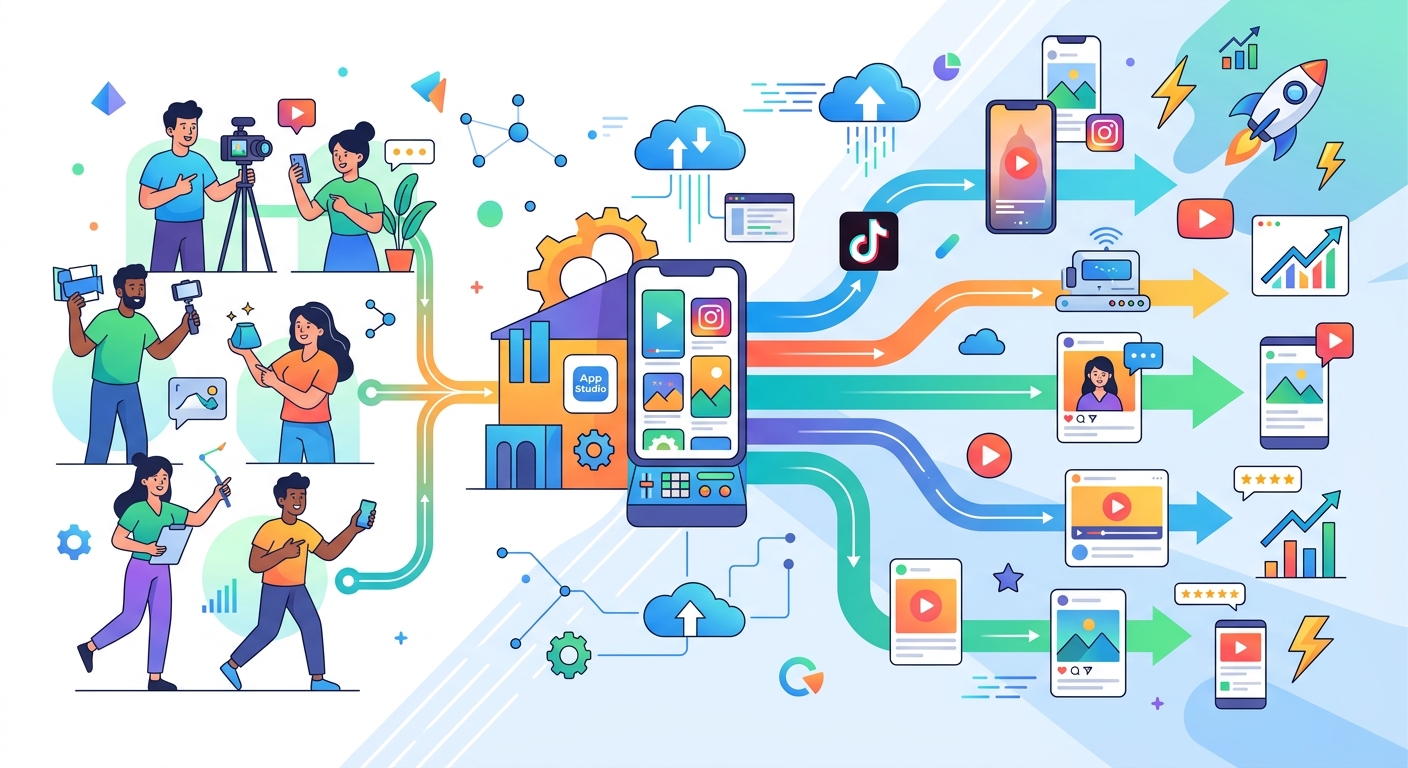
Start with volume targets
Before you agree to a bigger app studio contract, define the output. Most studios that are actively testing paid social want something like:
- 8 to 12 new videos per month at the low end
- 15 to 30 per month for serious testing
- 3 to 5 hook variations per winning angle
- 15 to 45 second edits for TikTok, Reels, and Meta
One feature angle, three hooks, two CTAs, and two creators already gives you 12 distinct ads.
If you are still shaping your offer, DansUGC is useful here because it is easier to package repeatable UGC offers than endless one-off custom jobs.
Build a repeatable brief for app clients
App studios move fast. They do not want to explain the same product five different ways every week. The creators who become easy to work with make briefing lightweight but precise.
The goal
Is the creative trying to drive installs, trial starts, or subscriptions? A creator who understands the conversion event usually makes better choices in the first three seconds.
The audience
A budgeting app for 22-year-old graduates needs a different tone than a fitness app aimed at women aged 35 to 50. Obvious, yes. Still skipped all the time.
The angle
Give each concept a simple label, like problem-solution, reaction, tutorial, before-and-after, or social proof. Once angles are named clearly, approval gets much faster.
The non-negotiables
App screens to show, claims to avoid, CTA wording, safe zones, pronunciation notes, whatever matters. Missed details create revision loops, and revision loops kill margin.
If your work is still scattered across DMs and random docs, fix that first. Keep the brief, examples, and package framing in one place. For a lot of creators, DansUGC helps because brands can see what you sell before the conversation gets messy.
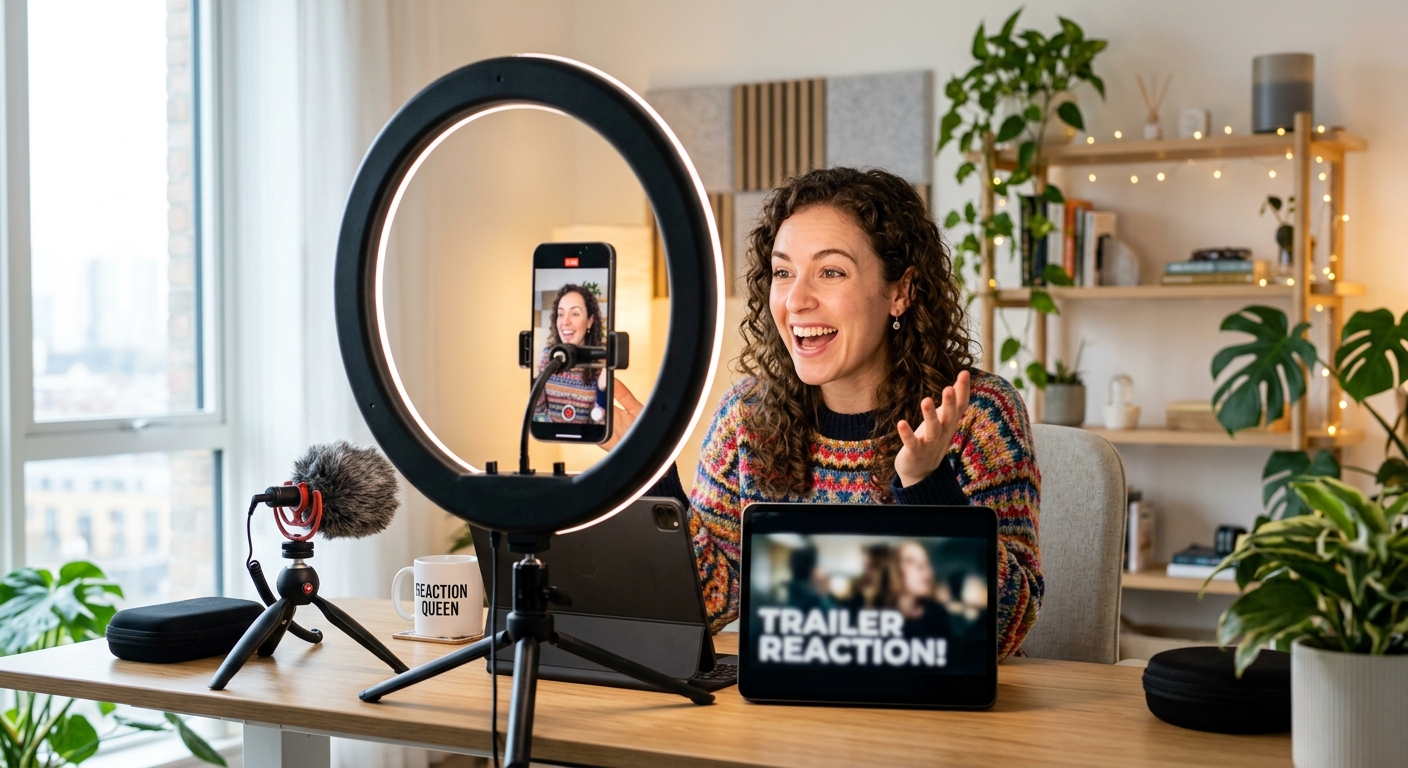
Stop scripting from zero every time
Do not write a totally original script for every app ad. Build modules.
A simple UGC app ad structure is:
- Hook
- Pain point
- Product moment
- Proof or result
- CTA
Now create several options for each section. Maybe you keep 6 hooks for productivity apps, 4 pain-point setups, 3 product demo formats, and 3 CTA endings. Suddenly you have dozens of possible combinations without staring at a blank page every time.
App studios rarely want one polished masterpiece. They want multiple testable variants, and modular scripting lets you produce them faster.
Batch your filming like a media buyer
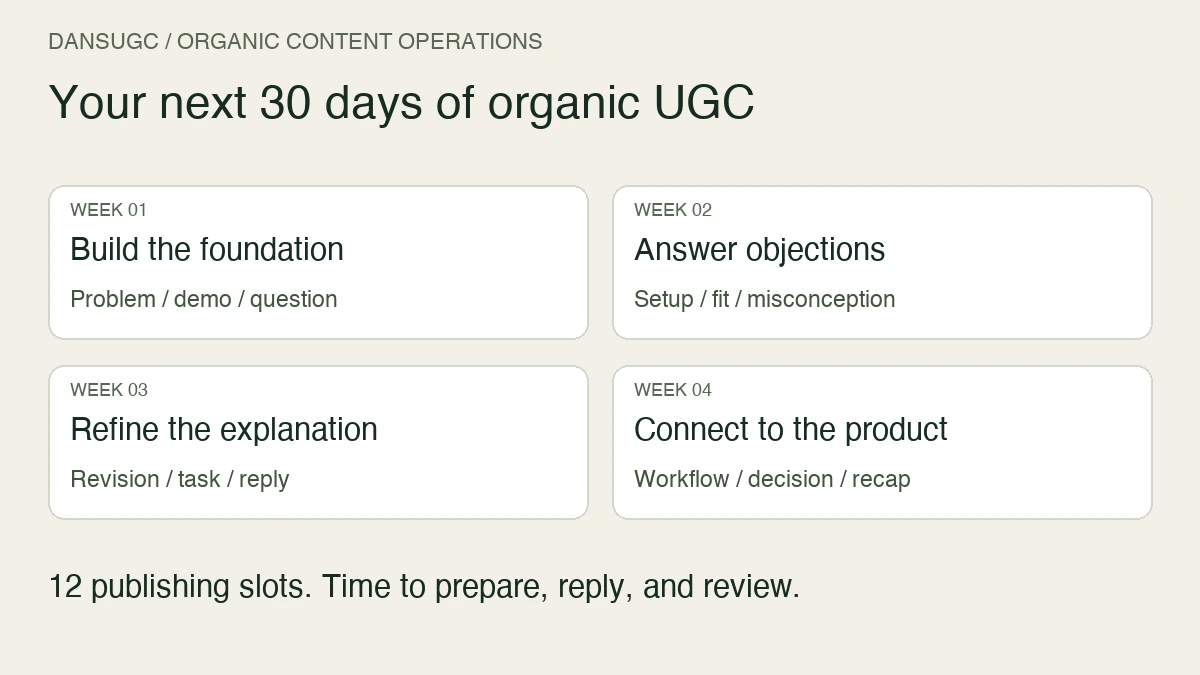
The creators who scale best batch everything. They do not film one concept, edit it, send it, then start over. They group work by product, setup, wardrobe, and shot type.
A practical batching workflow looks like this:
Day 1: concept lock
Approve hooks, talking points, and product screens with the client.
Day 2: filming batch
Record 6 to 12 opens, several body variations, multiple CTAs, and extra b-roll in one session.
Day 3: edit first cuts
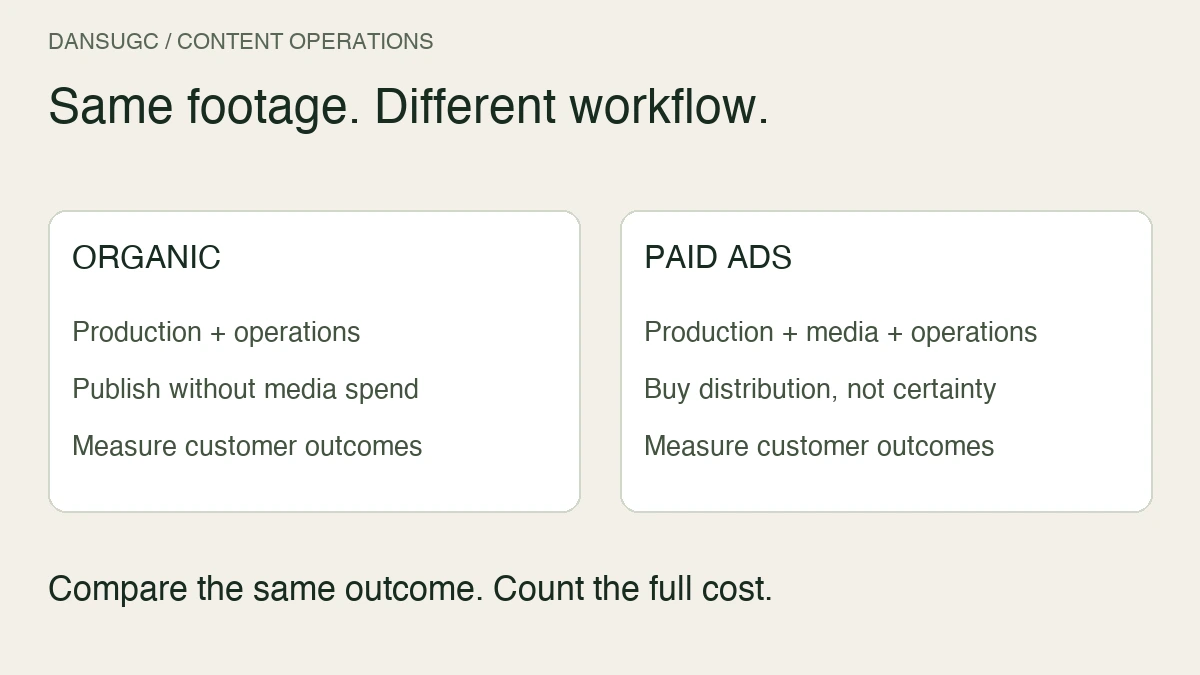
Build the variations from the same raw footage instead of treating each ad like a separate universe.
Day 4: QA and export
Check captions, app screen timing, claim accuracy, and safe zones before sending.
That rhythm is boring. Good. Boring is how production scales.
If you want the bigger operating model behind this, read How to Build a UGC Content Factory in 7 Practical Steps.
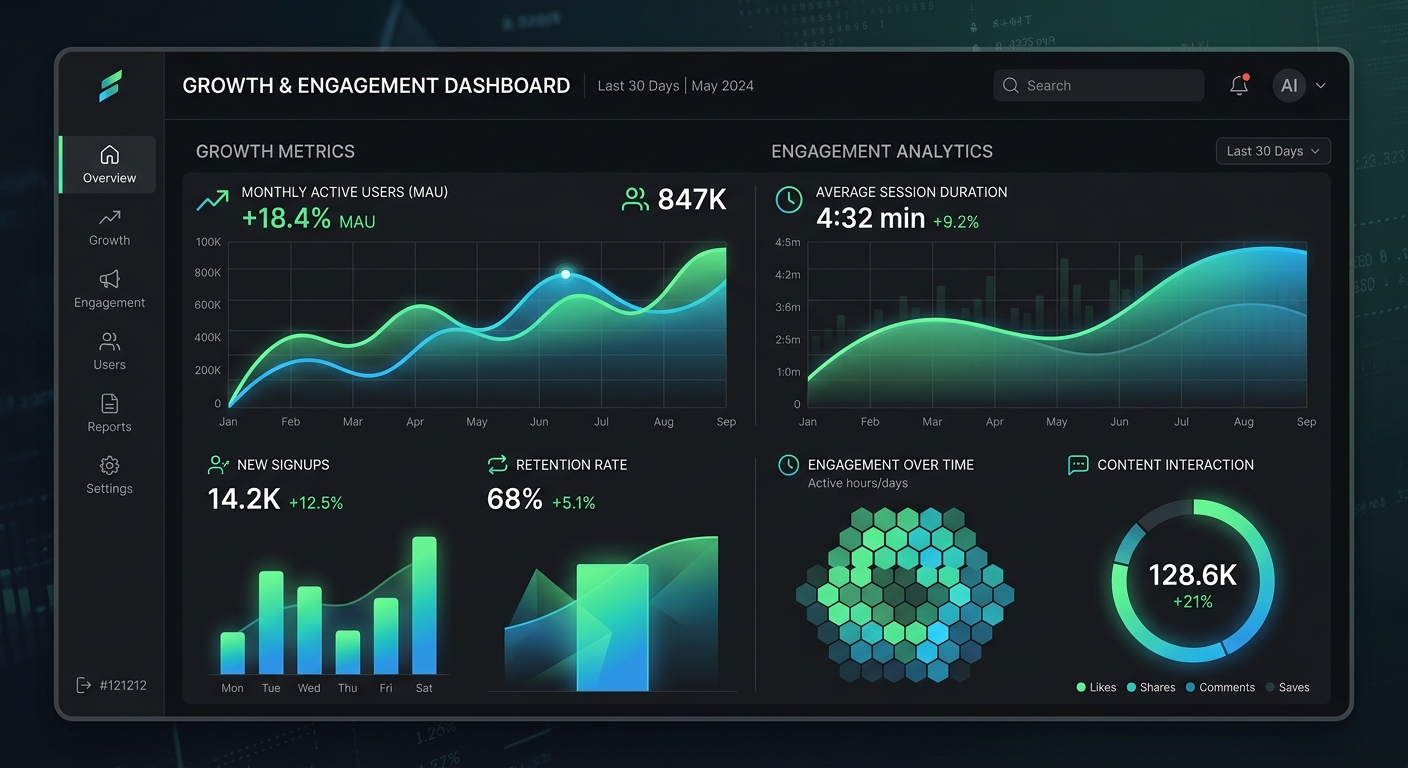
Add capacity before you need it
Do not wait until a client asks for more volume before building backup capacity.
If you want to serve app studios properly in 2026, build a small bench early:
- one editor who knows your pacing and caption style
- one backup editor for rush weeks
- one or two creator collaborators if the client wants multiple faces
- a standard file naming system so nobody sends final_v2_REAL_final.mp4 nonsense
App studios care about reliability almost as much as performance.
Track winners by component
Most creators get vague feedback like video 3 performed best. That is not enough. Ask what actually won.
Try to track:
- hook type
- creator used
- problem angle
- CTA style
- video length
- hold rate, CTR, CPC, or CPA if the client will share it
This is where your output gets smarter over time. Maybe reaction-style openings beat tutorial openings by 22 percent on click-through rate. Maybe 18-second edits outperform 35-second edits for install campaigns. Maybe one creator face works better for casual gaming and another wins for finance.
Those are not random observations. They are production assets.
For pricing this kind of work properly, UGC Creator Rate Card: What to Charge Brands in 2026 is a useful benchmark, especially once your offer includes paid usage and monthly volume.
Protect your margin with packaging
The easiest way to get buried by app studio work is to sell everything as custom. The easiest way to stay sane is to package your output.
Instead of saying yes to endless requests, build offers like:
- 8 videos per month, one creator, two revision rounds
- 15 videos per month, two creators, raw hooks included
- 20 videos per month, weekly creative refresh and performance review
Now the client is buying a production system, not your availability.
Creators who present clear packages, examples, and a clean niche tend to close faster. If your current setup is just a link hub and some DMs, DansUGC can make your offer look much more like a real service business.
The 2026 shift creators should watch
App studios are getting more performance-driven, not less. They care about speed, refresh cadence, and creative testing discipline. AI tools will help with ideation and editing support, but most brands still want human delivery that feels believable on camera.
So the creators who win in 2026 will not just be the funniest on camera. They will be the ones who can deliver believable content at volume, learn from results, and keep the machine running when the client needs fresh ads by Thursday.
That is what scaling UGC production actually means, a system that keeps shipping.
FAQ
How can a UGC creator scale production for app studios?
A UGC creator scales production by standardizing briefs, reusing script modules, batching filming, outsourcing editing support, and packaging monthly deliverables instead of treating every ad as custom work.
How many UGC videos do app studios need each month?
A smaller app studio may test 8 to 12 new creatives per month, while more active teams often need 15 to 30 or more, especially when paid social fatigue is forcing regular refreshes.
What is the best workflow for scaling app UGC in 2026?
The best workflow is usually concept approval first, batch filming second, editing multiple variants from the same footage, then QA and reporting. That keeps turnaround fast and revision loops lower.
Should UGC creators hire editors before they scale?
Yes. Even one reliable freelance editor can unlock far more client capacity by removing the biggest production bottleneck and keeping turnaround times predictable.
What metrics matter most when scaling UGC production for app clients?
The most useful metrics are hold rate, CTR, CPC, CPA, hook win rate, turnaround time, and revision rate. Those numbers show both creative performance and operational efficiency.
Ready to get UGC videos for your brand?
Real human creators, 48-hour delivery, full commercial rights. Starting at $9/video.