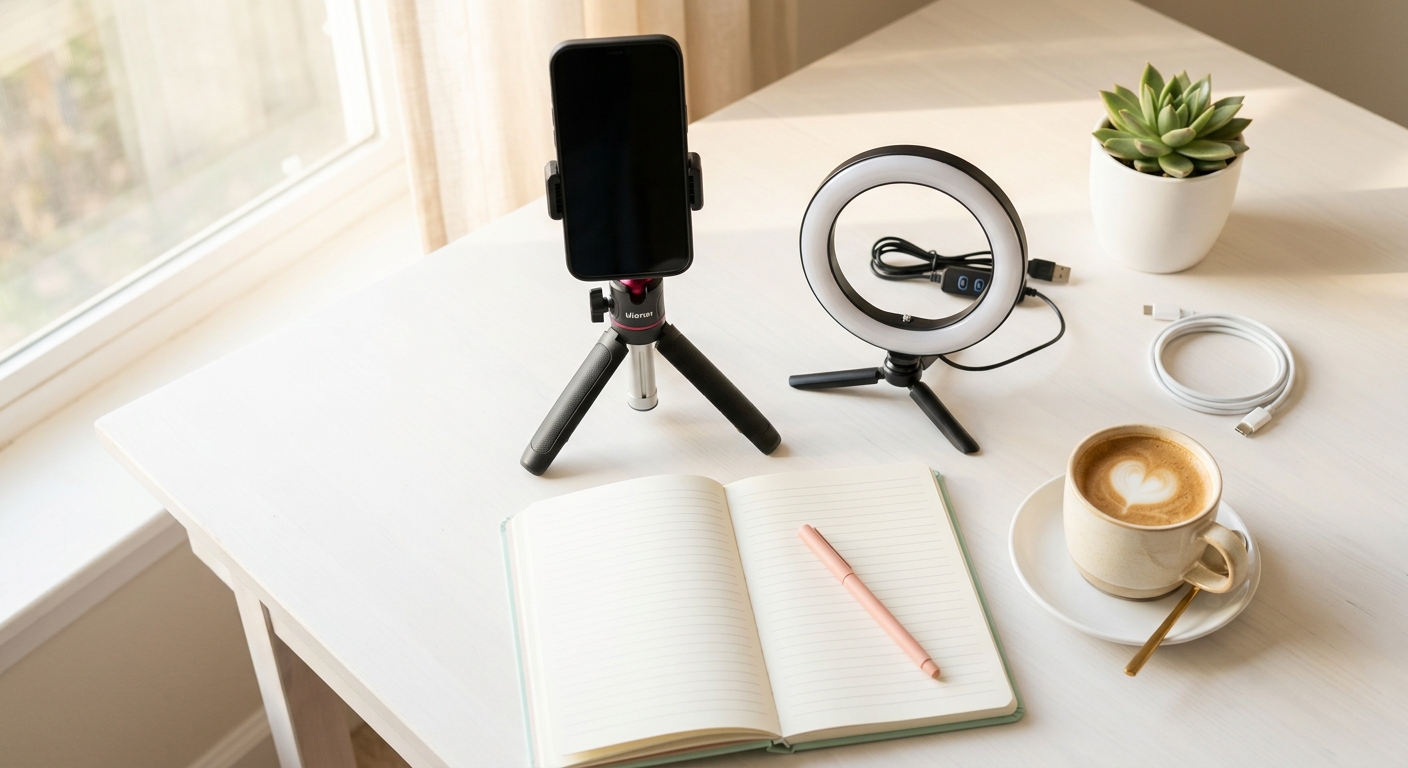
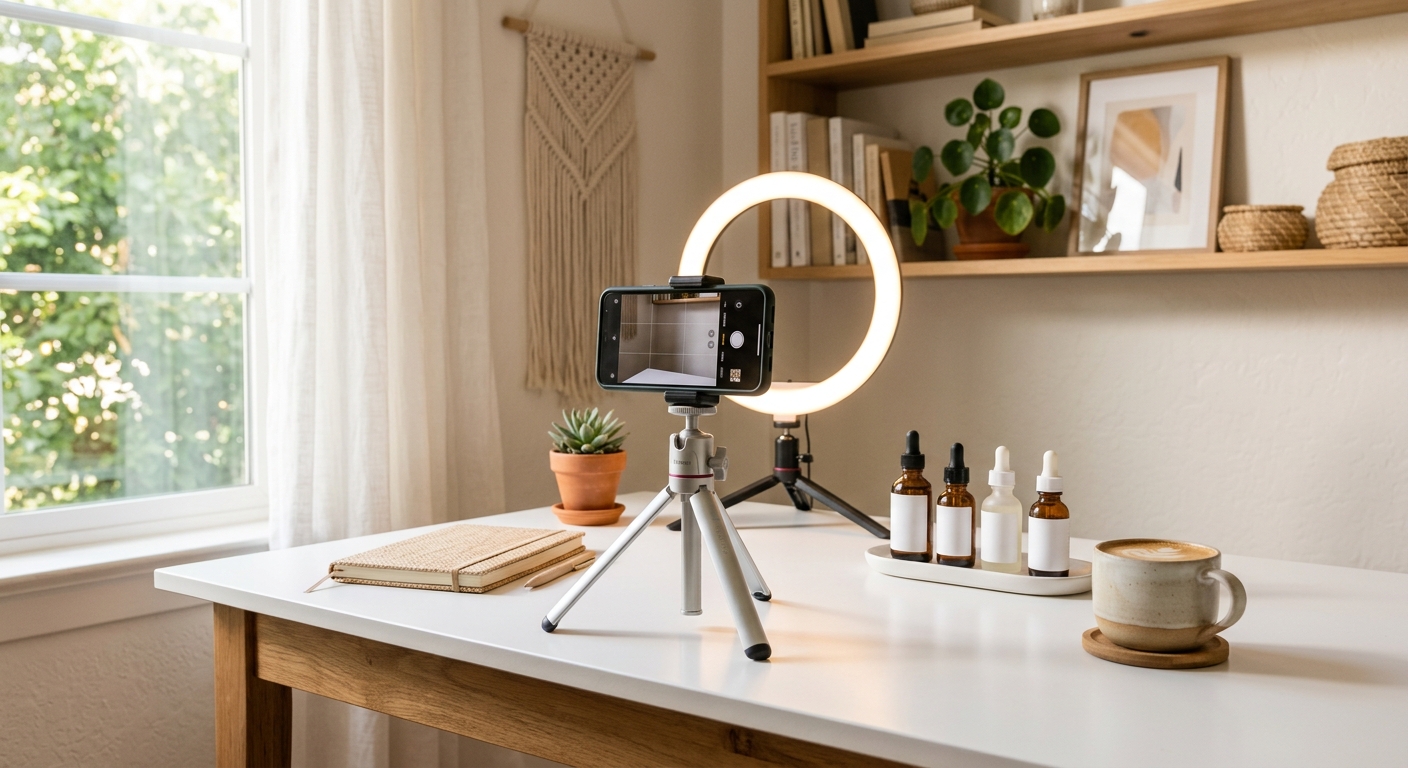
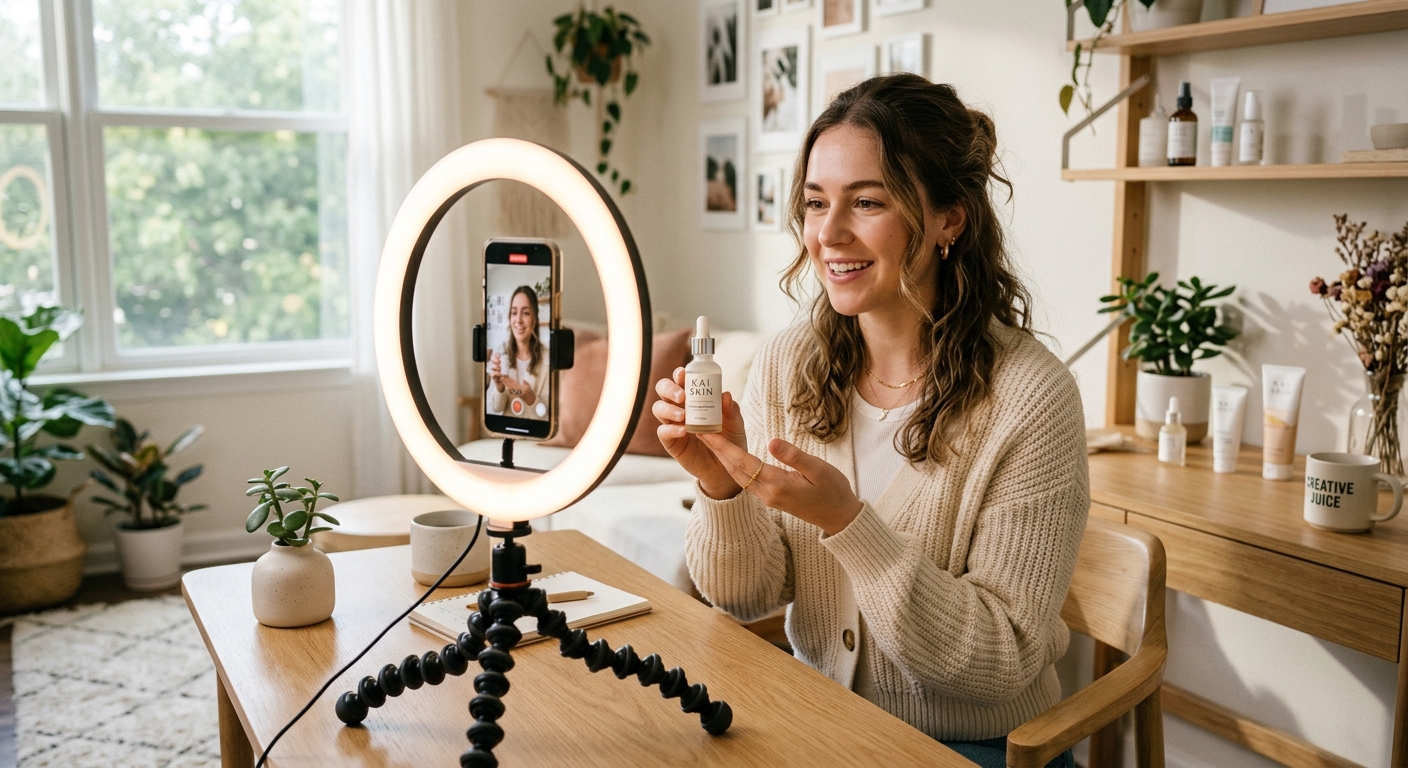
UGC Creator Equipment: What You Actually Need to Start (Under $200)
You don't need a $3,000 camera rig to start earning as a UGC creator. Here's the beginner equipment list that keeps costs under $200 while producing content brands actually pay for.
UGC Creator Equipment: What You Actually Need to Start (Under $200)
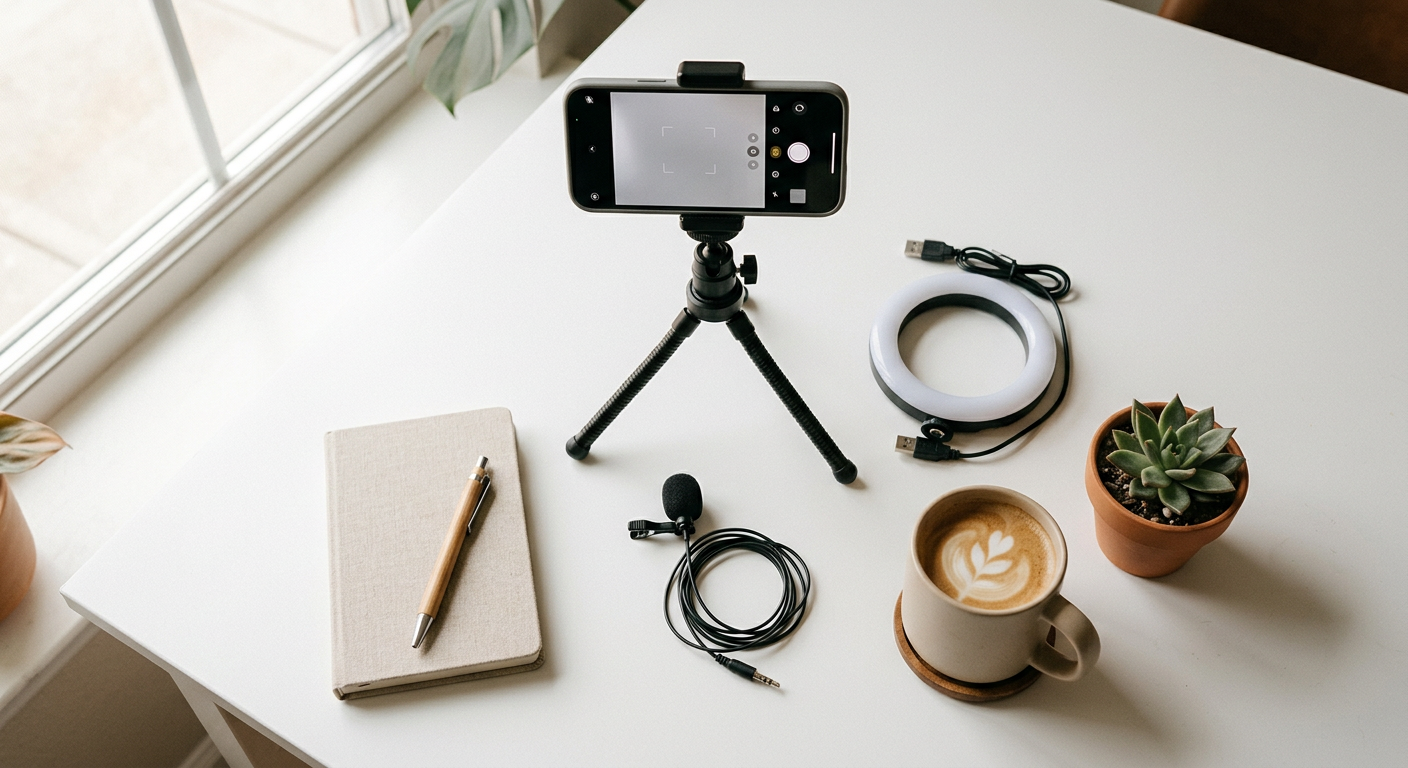
UGC creator equipment is the physical and digital setup a content creator uses to film, light, and record authentic video or photo content for brands. The bare minimum is a modern smartphone, decent lighting, and clean audio, all achievable for under $200. What matters to brands isn't cinema-quality production; it's authentic, well-lit, clearly audible content that converts.
If you've been putting off starting because you think you need expensive gear, this guide will change that.
---
The Phone vs Camera Debate: Settle It Now
For UGC creation, your smartphone is almost always the right choice, at least when starting out.
Here's why:
- Brands want *authentic* content that looks native to TikTok and Instagram Reels
- Footage shot on a DSLR can look *too polished* and feel out of place in a social feed
- Any iPhone 12 or newer, or a mid-range Android from the last 3 years, shoots 4K video
- Portrait mode creates depth that rivals entry-level cameras
When to consider a camera: If you're specialising in beauty, food, or lifestyle product photography where still images matter as much as video, a Sony ZV-E10 (~$600 body only) is the creator-community favourite. But that's not a day-one purchase.
Start with your phone. Upgrade when clients are paying for it.
---
The Complete Beginner UGC Equipment List (Under $200 Total)
Your Phone (Already Own It, $0)
Use what you have. Clean the lens with a microfibre cloth. Shoot in the highest resolution your storage allows.
Settings to change right now:
- Turn off digital zoom, walk closer instead
- Enable grid lines for rule-of-thirds framing
- Lock exposure and focus by tapping and holding your subject
---
Lighting, The Single Biggest Upgrade (~$25–$50)
Bad lighting is the #1 reason brands reject UGC. A ring light or LED panel fixes 90% of lighting problems.
Best budget options:
- Neewer 10" Ring Light (~$35), Best for talking-head selfie-style content
- Elgato Key Light Mini (~$50), Best for desk/stationary product shoots
- UBeesize LED Panel (~$25), Portable, attaches to phone
Free alternative: Natural window light. Shoot facing a window (not with it behind you) during the hour after sunrise or before sunset. Many top UGC creators shoot exclusively in natural light.
---
Audio, Don't Skip This (~$20–$40)
Your phone's built-in mic picks up room noise, HVAC hum, and echo. A lavalier (lapel) mic plugged directly into your phone cuts that noise dramatically.
Top picks under $40:
- Movo LV1, 3.5mm clip-on lav, ~$20. Works with any Android or iPhone with adapter
- DJI Mic Mini, wireless, ~$90. Overkill for beginners, but worth knowing about
- Rode Wireless GO II, the pro upgrade at ~$299. Save this for when clients are funding your kit
For most beginners, a $20 wired lav mic is all you need. Plug it in, clip it to your collar, done.
---
Tripod / Phone Mount (~$20–$35)
Shaky footage reads as amateur. A basic phone tripod costs less than a lunch out and solves the problem entirely.
Budget picks:
- UBeesize 51" Tripod, ~$20, includes phone holder and Bluetooth remote shutter
- Joby GorillaPod Mobile, ~$35, flexible legs that grip shelves, rails, and odd surfaces
If you do a lot of walking or movement shots, add a phone gimbal (DJI OM 6 at ~$140), but again, not a day-one requirement.
---
Props and Backgrounds (~$10–$30)
Brands often send their product, but you need a surface and backdrop to make it pop.
Affordable options:
- Foam core boards, white, black, or gray from a dollar/craft store (~$5 each)
- Marble contact paper, stick it on cardboard for an instant luxury surface (~$10)
- Thrift-store fabrics, textures work great for lifestyle shots
Avoid cluttered, distracting backgrounds. A clean surface and a subtle background beat a busy setup every time.
---
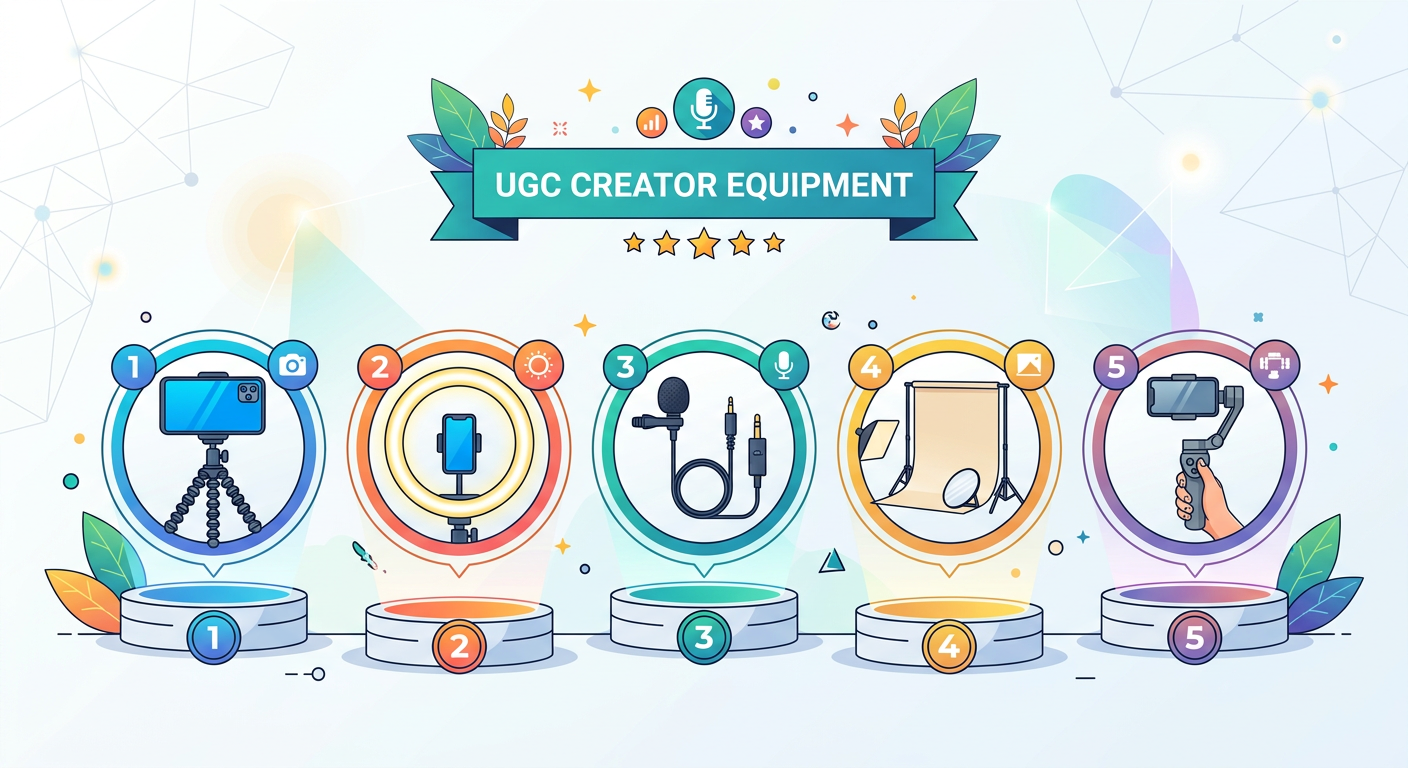
Full Kit Cost Summary
- Phone: $0 (existing device)
- Ring light or LED panel (Neewer / UBeesize): $25–$35
- Lav microphone (Movo LV1): $20
- Tripod (UBeesize 51"): $20
- Props / backgrounds (craft store): $15
- Total: ~$80–$90
You can be fully operational for under $100. The $200 ceiling leaves room to add a second light or a gimbal as you scale.
---
What You Don't Need (Yet)
Save your money on these until you're consistently earning:
- DSLR or mirrorless camera
- Professional lighting kit
- Green screen
- Editing software subscriptions (CapCut is free and what most brands expect)
- Studio space
UGC buyers aren't purchasing cinema, they're purchasing authenticity. A brand-new $4,000 camera doesn't make a video convert better than one shot on an iPhone 13.
---
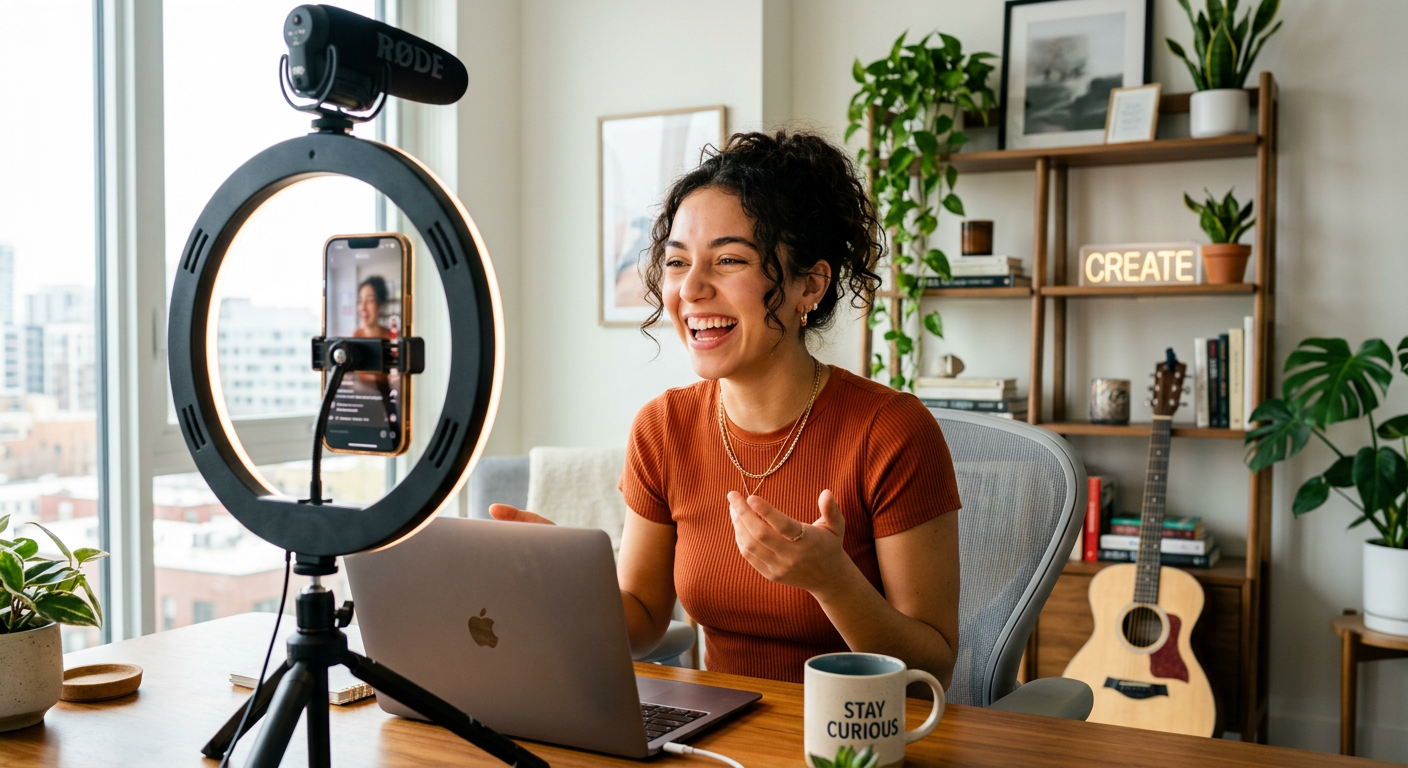
Setting Up Your Creator Profile While You Gather Gear
Equipment is only half the equation. While your ring light ships, set up your creator storefront so brands can find and order from you directly.
DansUGC is built specifically for UGC creators, it's a link-in-bio tool and creator marketplace that lets you list your packages, showcase your portfolio, and take orders without back-and-forth DMs. Unlike generic tools like Linktree, it's designed around how UGC actually works.
Check out our guide on how to set up your DansUGC creator storefront to get ready before your first pitch.
---
How to Maximise Your Beginner Kit
Gear without technique is wasted money. A few principles that make budget kit punch above its weight:
- Always shoot horizontal for most brand deliverables, unless specifically asked for vertical (Reels/TikTok). Check the brief.
- Batch your shoots, set up once, film multiple products or angles. It saves setup time and keeps your lighting consistent.
- Clean your space before hitting record, a tidy background reads as professional even on a $0 setup.
- Use CapCut for editing, it's free, has built-in trending audio, and outputs exactly what brands expect for social ads.
- Natural light beats ring light for most use cases. A ring light causes visible catchlights (bright circles) in eyes, which some brands flag as looking "influencer-y" rather than authentic.
For more on positioning your content for paid deals, read our guide on what to include in your UGC creator portfolio.
---
When to Upgrade Your Kit
Upgrade when the limitation is costing you work, not before. Signals it's time:
- A client requests 4K delivery and your phone shoots 1080p max
- Audio quality is getting flagged in client feedback
- You're losing natural light shoots to bad weather and need a backup
- You're earning $1,500+/month consistently and can invest in equipment as a business expense
At that point, a Sony ZV-E10 kit (~$700) or a DJI Osmo Action 5 Pro (~$250) are popular upgrades in the UGC community.
DansUGC also has resources for scaling your creator business once you're past the gear-acquisition stage, from rate card templates to brand deal guides.
For context on realistic earning expectations as you grow, see how much UGC creators make in 2026.
---
FAQ: UGC Creator Equipment for Beginners
Q: Do I need a ring light to be a UGC creator?
A: No, natural window light works just as well, often better. A ring light is useful in low-light environments or for consistency, but it's optional. Good lighting technique matters more than specific gear.
Q: Can I start UGC with an older phone?
A: Yes, as long as it shoots 1080p video and has a decent camera app. iPhones from the iPhone 8 era and Android flagships from 2019+ are generally sufficient. Test a sample shot and compare it to brand content on TikTok — if it looks comparable, you're fine.
Q: What microphone is best for beginner UGC creators?
A: A wired lavalier mic like the Movo LV1 (~$20) is the best value entry point. It plugs directly into your phone's headphone jack (use a Lightning or USB-C adapter if needed) and dramatically reduces background noise compared to your phone's built-in mic.
Q: Do I need a tripod for UGC content?
A: For most deliverables, yes. Handheld footage often reads as shaky, especially in close-up product shots. A $20 tripod with a phone holder solves this completely. Gimbals are worth considering once you're doing walking or action shots regularly.
Q: Is it worth buying a camera instead of using my phone for UGC?
A: For most beginners, no. Brands buying UGC want content that looks native to social platforms — phone footage is often preferred. Invest in a camera only when you're specialising in niches where image quality is paramount (premium beauty, food photography) and clients are specifically requesting it.
Ready to get UGC videos for your brand?
Real human creators, 48-hour delivery, 12-month commercial license. Starting at $9/video.