UGC Creator Portfolio: 7 Things Brands Actually Look For
Most UGC creator portfolios lose clients before they even finish loading. Here's what brands actually check for — and how to structure yours to get hired faster.

A UGC creator portfolio is a curated collection of your best video work that shows brands what you can deliver before they pay you anything. It's your primary sales tool. Unlike social media followings or engagement rates, a portfolio speaks directly to the thing brands care about: can this person film a convincing reaction video that I can run as an ad?
Most portfolios fail not because the creator's work is bad, but because they're set up wrong. Wrong videos, wrong format, too much or too little context. Here's what actually works.
1. Lead with your 3 best reaction videos, not your longest
Brands spend 30 seconds on your portfolio. Sometimes less. They're not browsing, they're scanning for a quick yes or no.
Put your three strongest reaction videos first. Not ten. Not everything you've ever made. Three. Pick the ones where the hook is fastest, the emotion is most readable, and the production quality is cleanest.
If someone watches all three and likes them, they'll ask for more. If they have to wade through twelve videos to find your best work, they'll leave.
2. Show range, but stay in your lane
Brands hiring UGC creators want to see that you can handle their specific product category. A beauty brand doesn't care that you've filmed great reactions for a SaaS app. A consumer tech brand doesn't care about your skincare work.
The solution isn't separate portfolios for every niche, it's showing enough range that most brands can find something relevant, without being so broad you look unfocused.
Two or three categories is plenty. Reaction videos for beauty, food, and apps cover a huge slice of the market. Add a note on your storefront about what categories you specialise in so brands self-select.
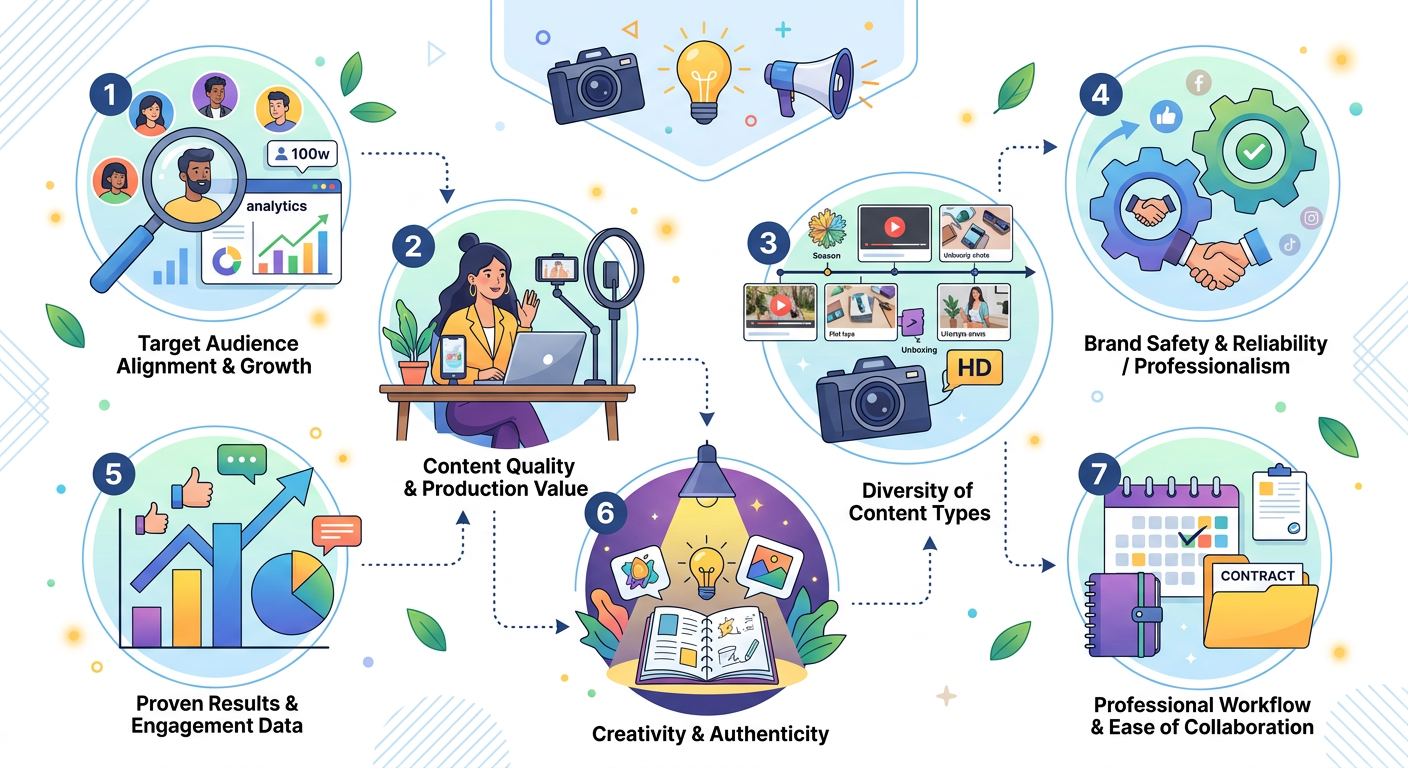
3. Include spec work if you're just starting
Brands don't always need to see work they paid for. They need to see what you can do.
Spec work, reaction videos you filmed for free to build your portfolio, counts. Pick products you already own and actually like. Film reactions that look and feel like real ad creative. Keep them to 15-30 seconds. Label them clearly as portfolio samples rather than commissioned work.
The quality of the video matters far more than whether a brand paid for it.
4. Show your face in the first frame of every video
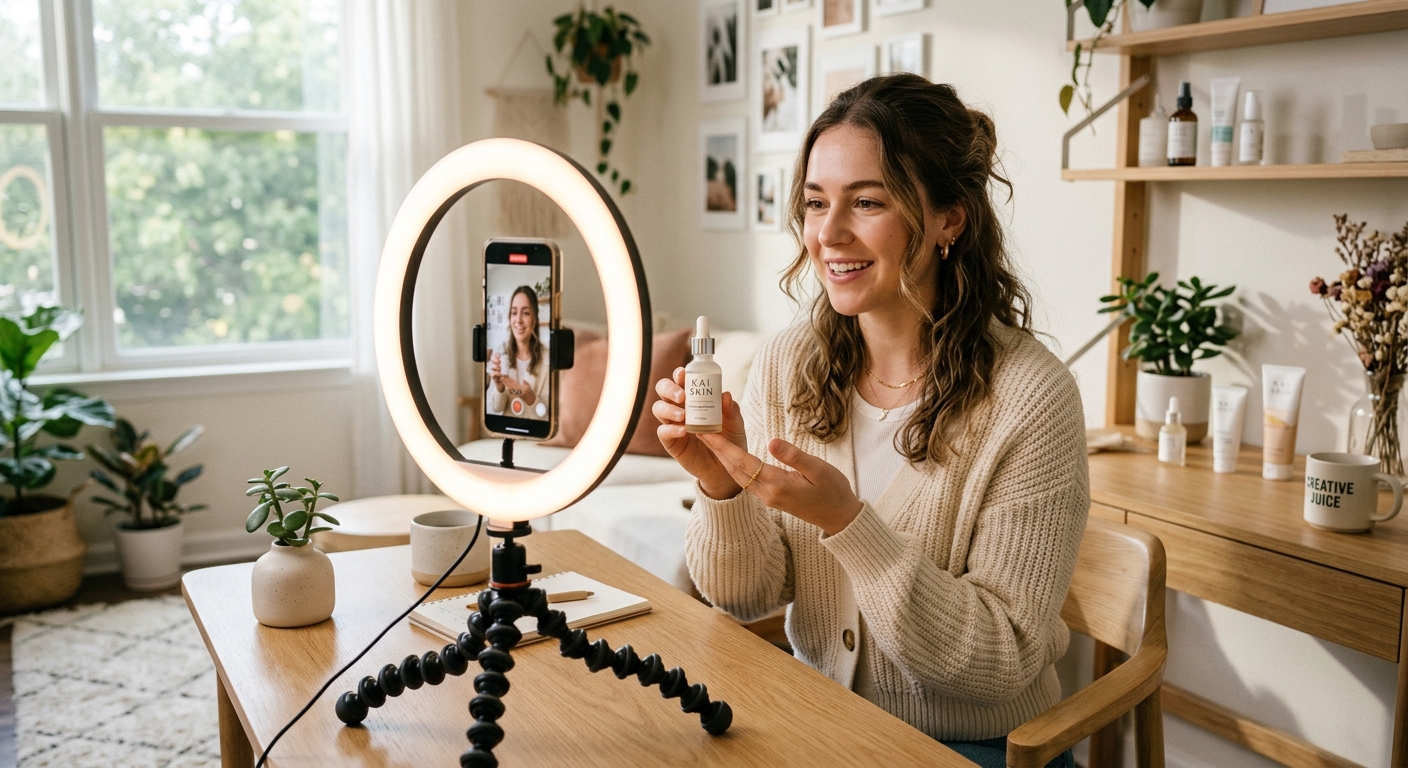
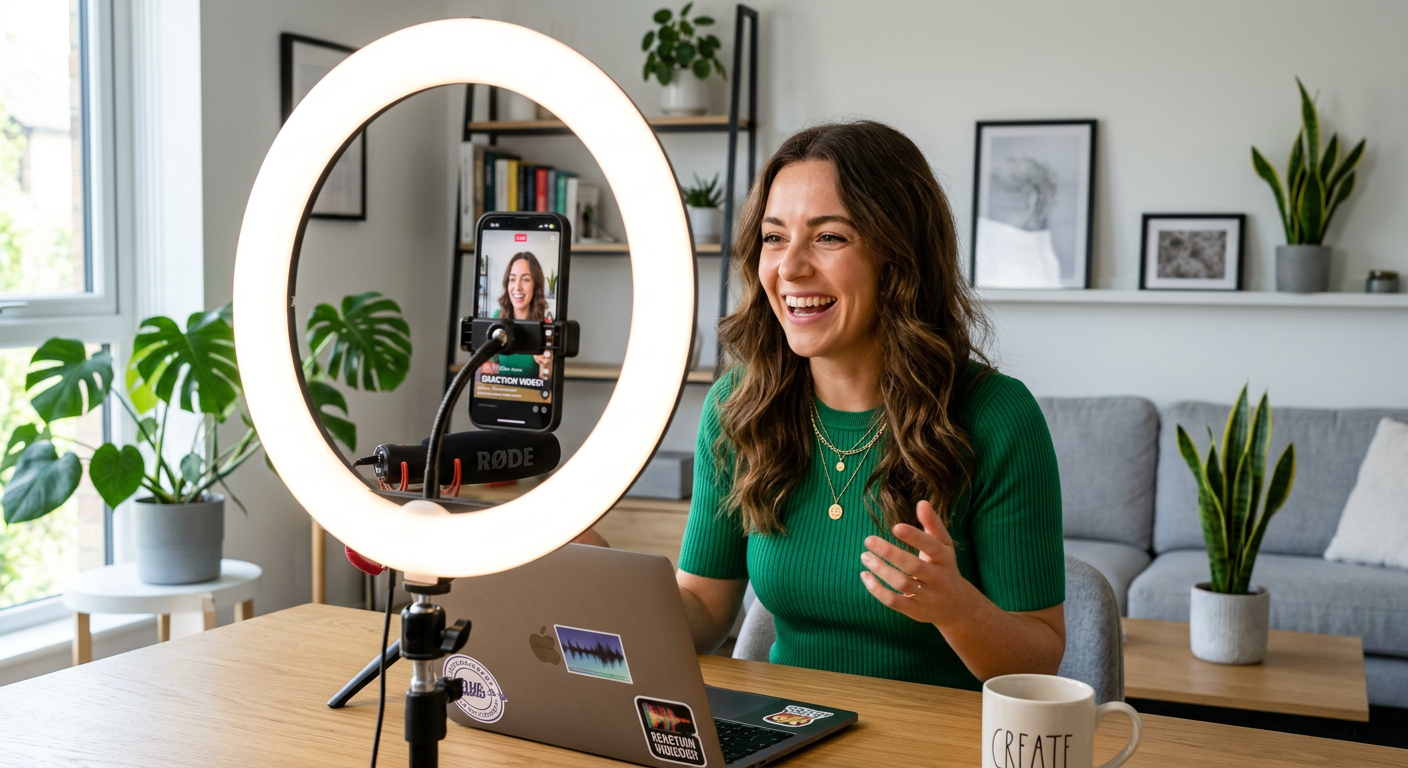
This one sounds obvious and still gets missed constantly. In reaction UGC, your face IS the product. If your portfolio thumbnails don't show a face, brands may click past without even opening them.
Film in good lighting, close enough that your expression fills most of the frame. The first frame should show you mid-reaction, not a black screen, not a product shot, not a title card.
5. Add a one-line niche statement
Every portfolio needs a clear positioning line above the videos. Something like:
*"I create reaction videos for consumer apps, beauty brands, and food & beverage, available for 15-60 second ad creative."*
This does two things: it tells brands whether you're relevant to them in two seconds, and it signals that you understand the commercial use case (ads, not just organic content).
DansUGC storefronts at `/c/[your-name]` have a dedicated bio field for exactly this, use it.
6. List your packages and starting prices
Hide your prices and brands will assume you're either very expensive or very amateur. Neither is helpful.
You don't need to publish a full rate card in your portfolio. A starting price is enough: "Packages from $150 per video" or "10-video bundles from $1,200" signals what tier of creator you are and filters out brands who can't afford you before they waste your time.
For a full breakdown of what to charge, see the UGC creator rate card guide.
7. Make contact dead simple
Brands who want to hire you should not have to search for how to reach you. One button. One link. One clear call to action.
"Book a package" or "Order here" is better than "DM me" or "Email for pricing." Friction at the contact stage kills deals. Someone excited about your portfolio won't stay excited through a multi-step process to figure out how to pay you.
If you're using a DansUGC creator storefront, the order flow handles this, brands can browse your packages and purchase directly without a back-and-forth.
What to leave out
Long-form content. Reaction videos for ads are 15-60 seconds. A 5-minute YouTube video in your portfolio signals you don't understand the format.
Your social media follower counts. UGC is specifically a no-following-required format. Listing your followers invites the wrong comparison.
Testimonials from friends. Either get real brand testimonials or skip it. Amateur testimonials damage credibility more than no testimonials.
Videos with bad audio. One video with muffled or echo-heavy audio can tank an otherwise strong portfolio. Upload clean audio only, or use captions as backup.
Too much text. Your portfolio is a video gallery, not a CV. A short bio, a niche statement, pricing, and contact. That's all the text you need.
Where to host your portfolio
Three options are worth knowing about:
Your own website, full control, looks professional, takes effort to set up and maintain. Worth it if you're treating UGC as a full-time business.
General link-in-bio tools (Linktree, Beacons), fast to set up, but not designed for selling video services. You'll be working around the tool rather than with it.
Purpose-built UGC storefronts, DansUGC creator profiles at `/c/[your-name]` are designed specifically for this: portfolio display, package pricing, and direct ordering from brands already looking for UGC creators on the platform.
For most UGC creators, starting with a DansUGC storefront and adding a personal site later as the business grows is the most practical path.
Frequently asked questions
How many videos should be in a UGC portfolio?
Three to five for your primary portfolio display. Have 10-15 total available to share if a brand asks to see more. Leading with your three best videos and offering more on request is more effective than showing everything at once.
Do I need real brand work in my UGC portfolio?
No. Spec work, videos you filmed for free using products you own, is completely acceptable when starting out. Brands care about the quality of the video, not whether they paid for it. Once you have paid brand work, replace spec with real results.
Should I list prices on my UGC creator portfolio?
Yes, or at least a starting price. Transparent pricing filters out bad-fit clients and signals professionalism. Creators who list prices get more direct enquiries than those who say "DM for rates."
What format should UGC portfolio videos be in?
Vertical (9:16) for TikTok and Instagram Reels is the primary format brands buy. Also offer horizontal (16:9) if you can. 15-60 seconds is the standard length range for ad creative.
Where is the best place to host a UGC creator portfolio?
For UGC creators focused on getting hired for reaction video work, a DansUGC storefront at `/c/[your-name]` is purpose-built for this — portfolio display, package pricing, and discoverability by brands already on the platform.
---
A well-structured portfolio is the difference between brands scrolling past and brands reaching out. Set yours up properly once and it works for you indefinitely. Get your DansUGC creator storefront — it's where brands looking for UGC reaction creators actually look.
Ready to get UGC videos for your brand?
Real human creators, 48-hour delivery, full commercial rights. Starting at $9/video.