DansUGC vs Linktree vs Beacons: Best Link in Bio for UGC Creators?
Not all link-in-bio tools are built the same — especially if you're a UGC creator trying to turn profile clicks into brand deals. Here's how DansUGC, Linktree, and Beacons stack up where it actually counts.
DansUGC vs Linktree vs Beacons: Best Link in Bio for UGC Creators?
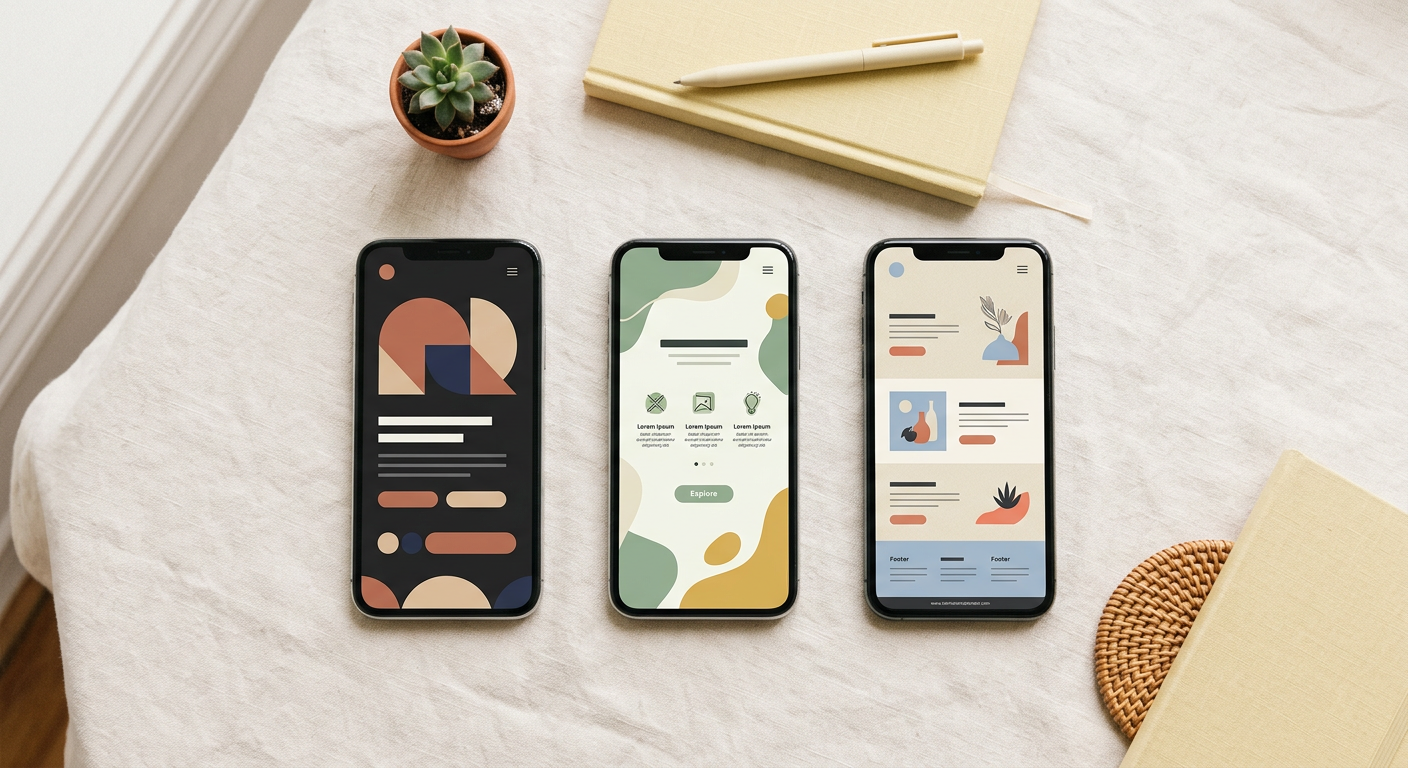
A link-in-bio tool for UGC creators is a dedicated landing page that showcases your portfolio, packages, and contact information so brands can hire and pay you directly from your social profile. Unlike generic link aggregators, a creator-specific storefront converts profile visitors into paying clients. For UGC creators, the right tool can be the difference between a brand scrolling past you and a brand sending a deposit.
In 2026, three platforms dominate the conversation: DansUGC, Linktree, and Beacons. Each one looks similar on the surface, a single link, a landing page, some buttons. But the differences matter enormously when your goal is landing paid UGC contracts, not just collecting follower counts.
---
What UGC Creators Actually Need From a Link-in-Bio
Before comparing platforms, it helps to be clear about what a working UGC creator storefront needs to do:
- Display your portfolio, brands need to see your work, fast
- List your packages and rates, make it easy to buy without back-and-forth
- Accept payments or inquiries, frictionless checkout or contact flow
- Look professional, not like a generic influencer page
- Load fast on mobile, most brands will click from TikTok or Instagram on their phone
Generic link-in-bio tools were designed for influencers pointing fans at merch, Spotify, and YouTube. UGC creators have a different job: convincing a brand manager in under 60 seconds that you're worth hiring. That's a business conversion problem, not a fan engagement problem.
---
DansUGC: Built Specifically for UGC Creators
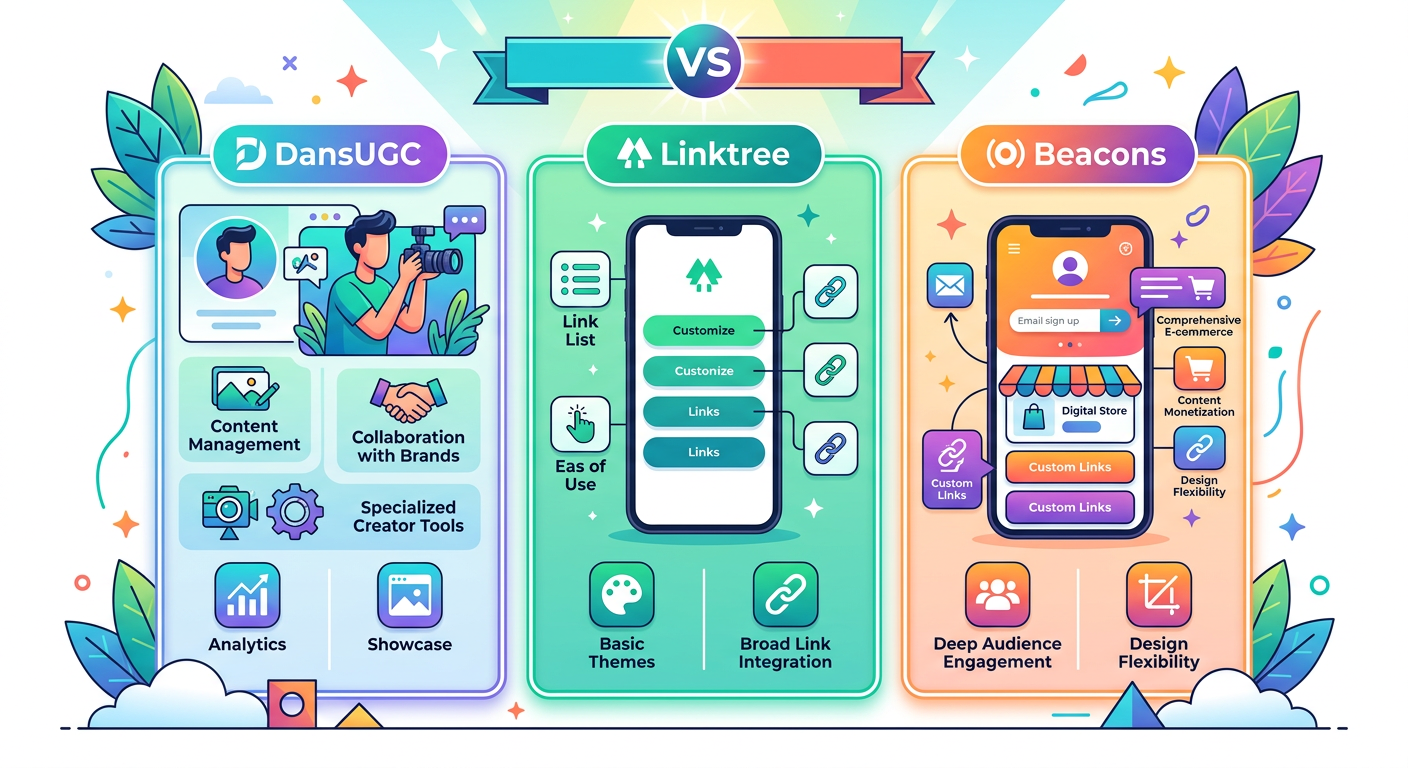
DansUGC is the only platform on this list designed from the ground up for UGC creators. Instead of a generic list of links, you get a creator storefront, a mini-website that functions like a professional portfolio and shop in one.
What Makes DansUGC Different
Package ordering built in. Brands can browse your UGC packages, reaction videos, testimonials, unboxings, and place an order directly on your storefront. No DMs, no email chains, no PayPal invoice drama. This alone removes the biggest friction point in landing brand deals.
Portfolio-first design. Your video samples are front and center. DansUGC is optimised for showcasing the kind of short-form video content brands are actually buying, not just linking out to a Google Drive folder.
Creator-specific positioning. Every feature was built with the UGC workflow in mind, from how you present your niche and categories to how repeat clients re-order. The platform speaks the same language as the brands hiring you.
Price: Free tier available. Pro features on paid plans.
Best For
Creators who want to convert brand traffic into paid orders without manual back-and-forth. Especially strong for creators selling standardised UGC packages (reaction videos, testimonials, etc.).
---
Linktree: The Default Choice (That Wasn't Built for Creators)
Linktree is the most recognised name in link-in-bio tools, used by over 50 million people globally. It launched in 2016 and became the default for anyone who needed a quick "one link" solution.
What Linktree Does Well
- Dead simple setup, live in under 5 minutes
- Wide integrations, Shopify, Mailchimp, Spotify, etc.
- Brand recognition, most people know what a Linktree is
- Free tier, basic functionality at no cost
Where Linktree Falls Short for UGC Creators
Linktree is a list of links. That's it. There's no portfolio display, no package showcase, no ordering system. A brand who lands on your Linktree sees buttons, "My TikTok," "My Portfolio," "Book Me", and has to click through multiple pages before they can even see your work or understand your pricing.
Every extra click is a conversion that doesn't happen. For a brand manager reviewing 20 creator profiles in 30 minutes, Linktree creates friction at exactly the wrong moment.
Analytics: Basic click tracking on free plan. More detailed data on paid plans (~$9-$24/month).
Best For
Influencers and general content creators who want a quick link hub. Not ideal as a primary sales tool for UGC creators.
---
Beacons: The Prosumer Middle Ground
Beacons launched in 2020 and positioned itself as a more creator-focused alternative to Linktree. It added features like tip jars, product sales, email capture, and media kits, making it more powerful than Linktree for monetisation-focused creators.
What Beacons Does Well
- Richer page blocks, embed videos, forms, product listings
- Media kit builder, useful for influencers pitching PR/brand deals
- Store functionality, can sell digital products
- Better analytics than Linktree's free tier
- Email/SMS list building built in
Where Beacons Falls Short for UGC Creators
Beacons is more flexible than Linktree, but it's still a general-purpose creator tool. The "store" feature is designed for selling digital downloads (presets, ebooks, courses), not for selling UGC video packages with revision policies and usage rights.
You can *make* Beacons work for UGC, but you're building a workaround, not using a native feature. The media kit builder is genuinely useful if you're doing influencer deals alongside UGC, but for a creator focused purely on brand content production, it's more than you need.
Pricing: Free tier. Creator plan at ~$8/month, Business at ~$26/month.
Best For
Creators who blend UGC with influencer work, affiliate marketing, or digital product sales. Good middle option if you want more features than Linktree without committing to a specialist platform.
---

Side-by-Side Comparison
| Feature | DansUGC | Linktree | Beacons |
|---|---|---|---|
| Built for UGC creators | Yes | No | Partially |
| Package/order system | Native | No | Workaround |
| Portfolio display | Video-first | Link only | Limited |
| Brand-friendly checkout | Yes | No | Generic store |
| Media kit | No | No | Yes |
| Digital product sales | No | Limited | Yes |
| Free tier | Yes | Yes | Yes |
---
Which One Should You Actually Use?
If you're a UGC creator selling video packages to brands: Use DansUGC. It's the only option built for your specific workflow. The ordering system alone will save you hours of back-and-forth per week and make you look more professional than 90% of your competition.
If you also do influencer work or affiliate marketing: Consider Beacons as a complement, or use DansUGC for UGC-specific inbound and Beacons for everything else.
If you're just starting out and need something live today: Linktree works fine as a placeholder. But plan to graduate to a proper storefront once you're actively pitching brands.
The pattern we see at DansUGC is that creators who switch from Linktree to a proper storefront report brands taking them more seriously and asking fewer basic questions, because the storefront answers those questions upfront.
---
The Real Cost of the Wrong Tool
A link-in-bio tool isn't just a utility, it's your first impression. When a brand manager at a consumer app company clicks your link, they're forming a judgment about your professionalism in seconds.
A list of buttons says "I'm a content creator." A structured storefront with packages, portfolio videos, and a clear ordering process says "I'm a business." That difference affects both whether you get hired *and* how much you can charge.
Creators charging $300+ per video consistently have polished storefronts. Creators charging $50 usually have a Linktree. That's not a coincidence.
For more on positioning and pricing, check out our guides on how to price your first UGC package and what to include in your UGC creator portfolio.
---
FAQ
Is DansUGC free to use as a link-in-bio?
Yes, DansUGC has a free tier that lets you set up a creator storefront with your packages and portfolio. Paid plans unlock additional features for scaling your UGC business.
Can I use Linktree as a UGC creator?
You can, but it's not optimised for it. Linktree is a link aggregator, it doesn't have portfolio display or a native ordering system. For converting brand traffic into paid work, a UGC-specific platform performs better.
What's the difference between Beacons and DansUGC?
Beacons is a general creator monetisation tool (digital products, affiliate, tips). DansUGC is specifically built for UGC creators selling video content to brands. If your primary income is UGC packages, DansUGC is the more purpose-fit option.
Do brands care which link-in-bio tool you use?
Brands don't care about the tool name — they care about how fast they can find your work and place an order. A well-structured creator storefront on any platform beats a messy setup on a premium one.
Should I use multiple link-in-bio tools?
Generally no — pick one as your primary storefront and drive all traffic there. Splitting traffic between platforms makes your analytics harder to read and dilutes your brand. DansUGC is designed to be your all-in-one UGC business hub.
Ready to get UGC videos for your brand?
Real human creators, 48-hour delivery, 12-month commercial license. Starting at $9/video.