Arcads alternative: when to choose real UGC footage
Need an AI presenter, filmed reaction footage, or a custom creator shoot? Compare the production job before choosing an Arcads alternative.

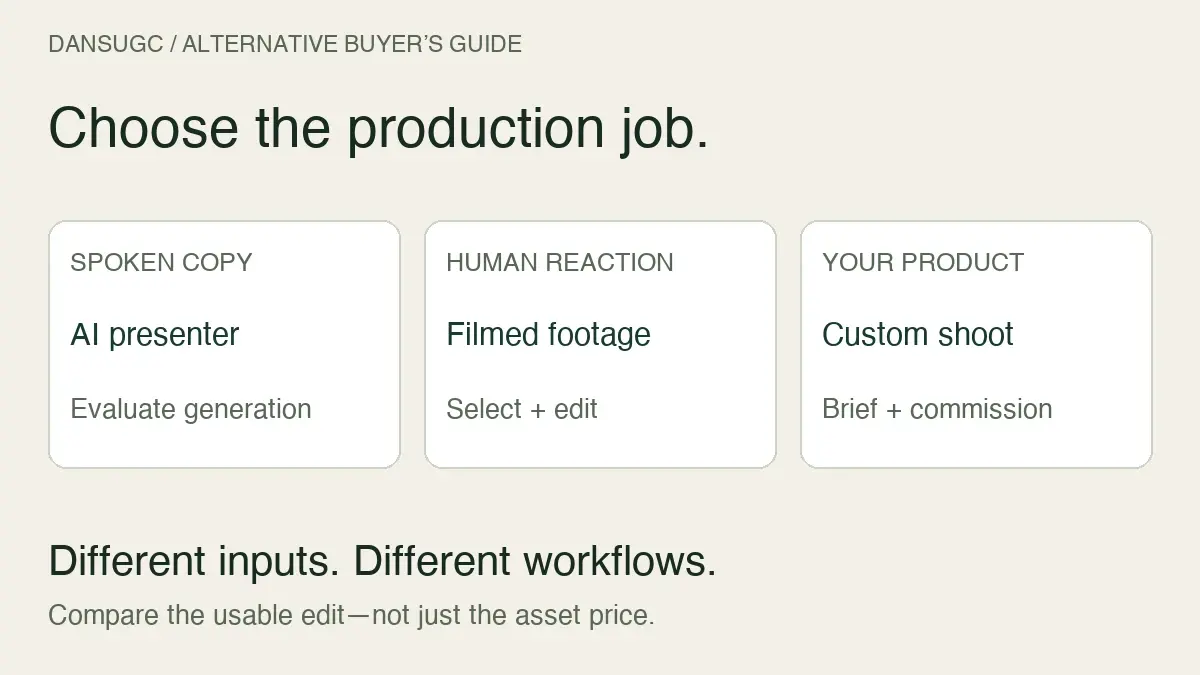
DansUGC is an Arcads alternative when you want filmed human reaction clips to edit around your product demo. It is not a like-for-like replacement for an AI presenter reading a script. Start with the job your video needs to do: deliver spoken copy, show a human reaction, or demonstrate your specific product.
I’m Daniel, founder of DansUGC. We sell real-creator footage, so this comparison has a commercial interest. This is a workflow comparison based on the products’ public pages checked on October 16, 2026, not a hands-on Arcads benchmark. We are not claiming that filmed footage always beats generated video.
The quick decision: what are you trying to replace?
- Need a generated presenter delivering your copy? Evaluate an AI video tool against your script, language, and output requirements.
- Need a filmed reaction to introduce a screen recording or product reveal? A ready-made human clip can fill that role.
- Need someone holding your product, saying specific words, or demonstrating a real experience? Commission a suitable creator and agree on the deliverables.
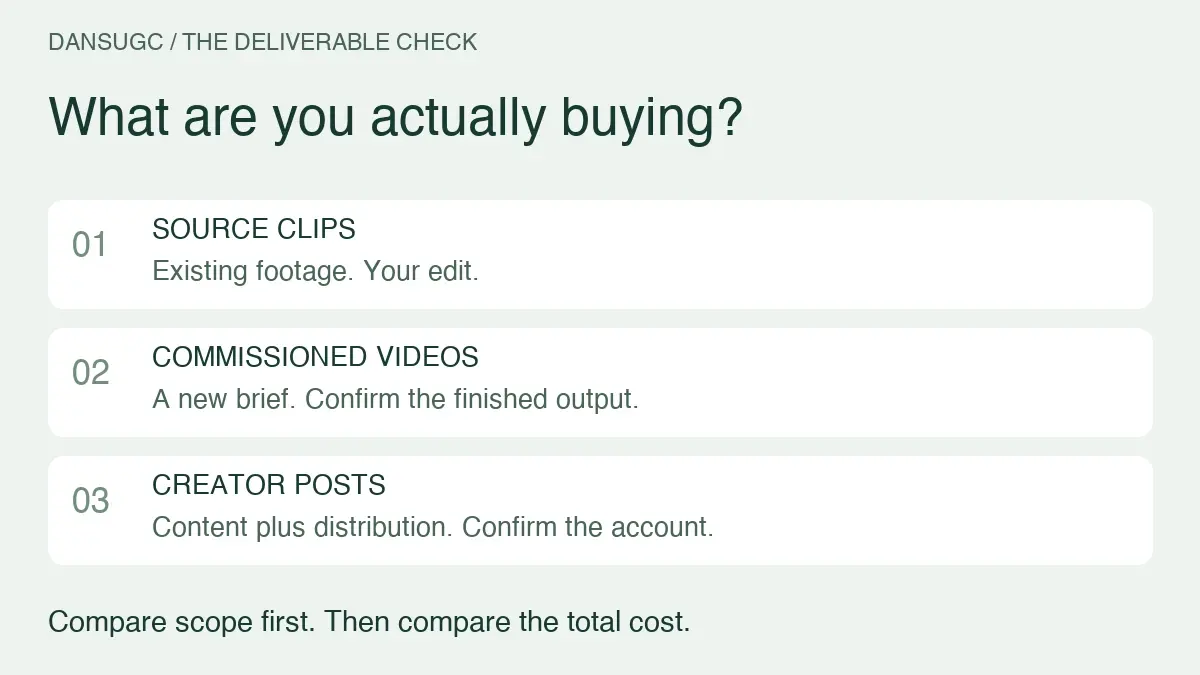
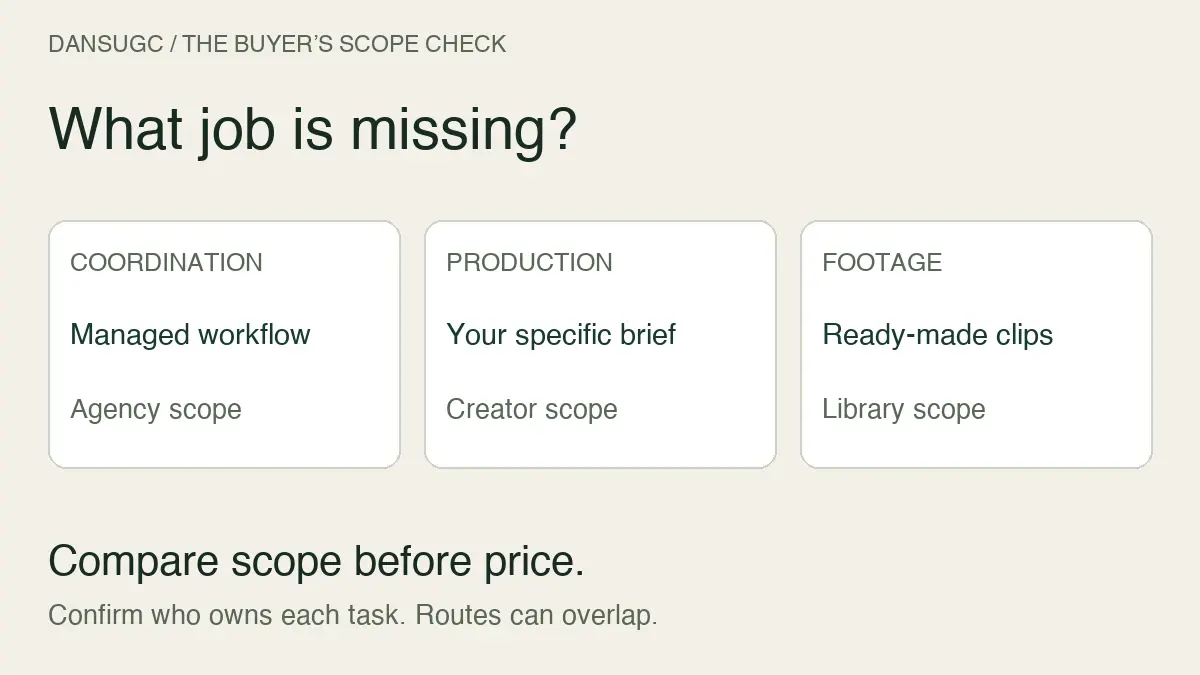
These are different inputs, not interchangeable finished campaigns. Choosing the wrong input can leave you with more editing work even when the advertised price looks attractive.
What Arcads offers, and where this comparison stops
Arcads’ official website describes AI actors, the option to create an AI avatar, and video generation and editing features. Its listed tools include translation, subtitles, extending and remixing video. Those capabilities make it relevant to teams evaluating generated presenter and editing workflows.
We have not independently tested its output quality, turnaround, language accuracy, or plan limits. Check the current product and terms before committing. No Arcads subscription price or cost-per-video estimate is used here.
What DansUGC replaces—and what it does not
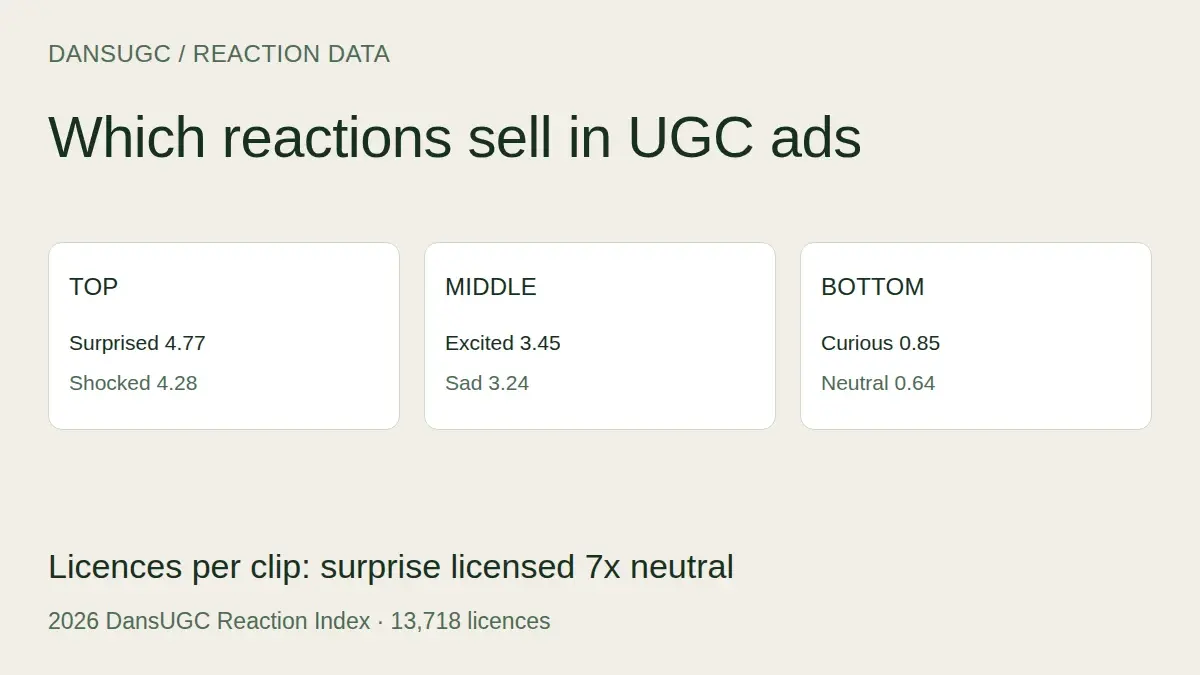
The DansUGC B-roll library lets you browse filmed clips by reaction, creator, and category. You can inspect the available footage before deciding whether it fits your edit. A surprised expression, a confused look, or a happy reaction can provide the human opening while your own screen recording explains the product.
That is the useful distinction: you are selecting existing footage, not asking a generated presenter to perform a new script. The clip does not automatically explain your offer. You still need the product demonstration, captions, sound choices, editing, and a clear next step.
Existing footage also has limits. You cannot assume the creator will say a new line or hold a product they never filmed. A generic reaction should not be presented as proof that the person used or endorsed your service. “Filmed by a real person” does not mean “an unscripted customer testimonial.”
For a precise brief, start with the creator roster and confirm the required production rather than trying to force a library clip into the wrong job.
A useful format for software and app demos
Imagine you need a short video introducing a feature that organizes messy notes. This is an illustrative creative brief, not a client result.
- Open with a reaction that matches the problem or reveal.
- Show your actual product doing the relevant task.
- Add a concise explanation of what the viewer is seeing.
- End with one next step, such as trying the feature.
The reaction supplies an opening; the demonstration supplies evidence. Do not let the opening promise something the product cannot deliver. If the video needs continuous spoken explanation, a reaction alone will not solve that requirement.
Before buying footage, write the transition between the face and the demonstration. “What will the viewer see next?” is a better selection question than “Which face looks most viral?”
Compare the cost of a usable edit, not a download
As checked on October 16, 2026, the DansUGC B-roll page states that guest clips start at $15. Subscribers use account credits and discounts, and selecting clips shows a bundle price. That is a source-footage offer, not a promise that every completed video costs $15. Check the current checkout and applicable usage terms for your selection.
For any option, write down the complete work required:
- Acquisition: the footage purchase, subscription, or commissioned production.
- Creation: scripting, product recording, and any generation or revision work.
- Assembly: editing, captions, sound, and exports.
- Acceptance: checking visual quality, factual claims, and whether the result fits your brief.
- Usage: the permissions needed for your intended channels and duration.
Divide the total cost by the number of finished edits you can actually use. Do not count an unused download or rejected output as a completed creative. Equally, do not compare one raw clip with a service that includes an entire edited video and call the difference a saving.
How to try a different workflow without replacing everything
Start with one representative brief. Use a product you can demonstrate clearly, an audience you understand, and an offer you already intend to promote.
First, set acceptance criteria: the opening must match the message, the product action must be visible, captions must be readable on a phone, and the next step must be understandable without guessing. Then make a small batch and record the time spent finding, assembling, and reviewing each edit.
If you compare audience results, keep the offer and destination consistent and document other differences. A few organic posts with different reach do not establish which production method caused a sales change. A stronger early conclusion may simply be that one workflow gives your team usable edits with fewer revisions.
Keep what works. You do not need to replace an entire production process just because you want a different opening for some videos.
Questions to answer before choosing an Arcads alternative
Is DansUGC an AI video generator?
The B-roll library discussed here is a collection of filmed creator footage. Choose it for that footage, not as a substitute for generating a presenter reading arbitrary copy.
Can I use a reaction clip as a customer testimonial?
Not merely because it shows a real person. Keep the edit honest about what the footage depicts. A reaction does not establish product use, customer status, or a verified outcome.
Will real UGC improve conversions?
There is no universal guarantee. Message, audience, offer, product proof, destination, and execution all matter. This article provides a selection framework, not comparative conversion evidence.
What should I check before downloading?
Preview the expression, framing, duration, and space for your text. Confirm the required file specifications and usage permissions. Our UGC clips guide explains how to distinguish source footage from finished edits.
Start with the missing piece
If the missing piece is a human reaction around a demo you already have, browse DansUGC’s filmed reaction clips. If it is exact spoken delivery or product-specific filming, choose a workflow designed for that requirement. The right alternative is the one that solves your production problem—not the one with the loudest performance promise.
Ready to get UGC videos for your brand?
Real human creators, 48-hour delivery, 12-month commercial license. Starting at $9/video.