Stock UGC video library for ads: what to check before you buy
A buyer's checklist for stock UGC video libraries: real people or AI, who is in the library, license length, paid-ad limits, previews and cost per usable clip, with DansUGC's own library numbers.

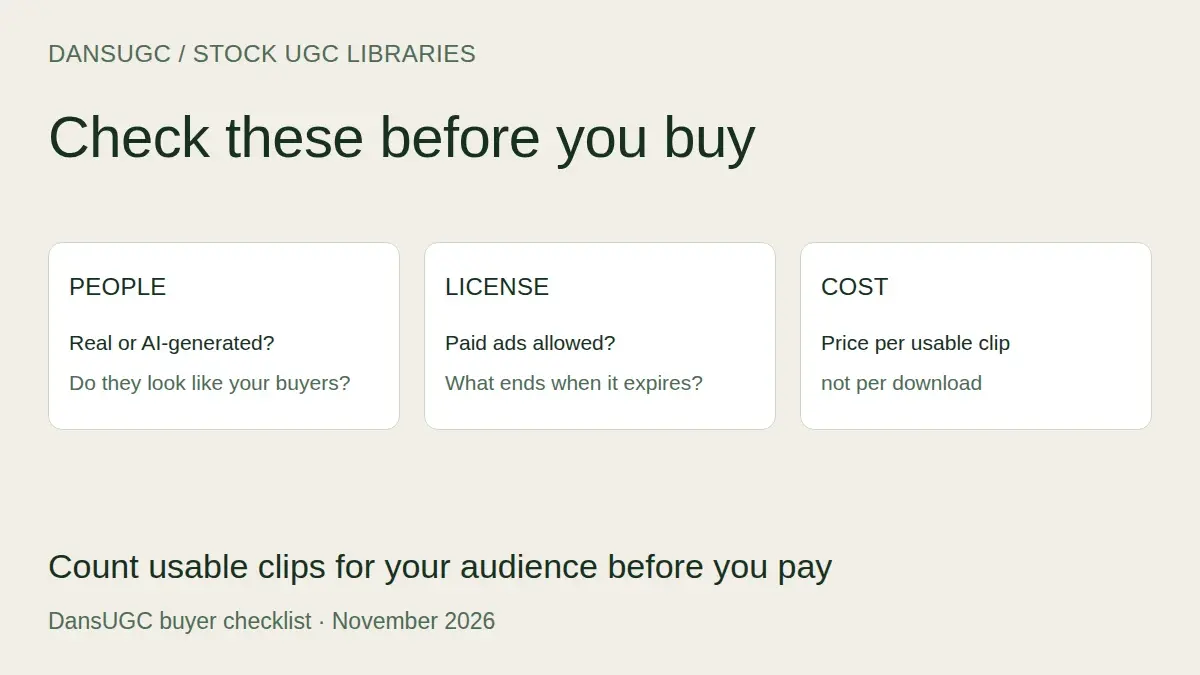
The best stock UGC video library for ads is the one where you can find enough usable clips of people who look like your buyers, under a license that still covers your ads when they're running. Before you pay, check six things: real people or AI, who is actually in the library, how long the license lasts, what paid-ad and brand limits apply, whether you can preview everything, and what each usable clip really costs.
Most of what ranks for this search today is lists of AI video generators, and the AI answers mostly name creator marketplaces, which aren't stock libraries at all. This guide is the checklist we'd use ourselves, with DansUGC's own library numbers (from the 2026 DansUGC statistics) used as a worked example, including where our library is a poor fit.
What is a stock UGC video library?
A stock UGC video library is a catalogue of short, phone-filmed clips of real people (reactions, talking moments, everyday b-roll) that you license and edit into your own ads. You pick footage that already exists instead of briefing a creator and waiting for a shoot.
It sits between two things buyers often confuse it with:
- Traditional stock footage (the big stock sites) is shot to look polished. Some of it is tagged "UGC style", but it often reads as an actor in a lit set, which is the look UGC ads are meant to avoid.
- Custom UGC is filmed for you, to your brief, with your product in hand. It costs more and takes longer, but it's the only way to get someone actually using your product on camera.
A library clip won't show your product. What it gives you is the human part of the ad: the shocked face in the first second, the "wait, what?" reaction, the person scrolling on a couch. You add your product, app screen or offer around it. If you want the longer version of that trade-off, read UGC clips vs custom UGC.
What should you check before you buy a stock UGC library?
Six things, in this order, because each one can rule a library out before price even matters.
1. Are the people real, or AI-generated?
Ask directly, and read the license. Some libraries sell only real-person footage, some mix real and AI-generated clips (labelled or not), and some don't say. If the library mixes them, check that every clip is labelled before you download.
This matters for performance and trust, not just taste. In the 2026 Bentley University–Gallup Business in Society survey (published August 19, 2026), 62% of US adults said it is unacceptable for businesses to use AI to create people or voices in ads, even when the AI use is clearly disclosed. Among 18- to 29-year-olds, the youngest group surveyed, it was 73%.
DansUGC sells real people only, never AI faces.
2. Who is actually in the library?
Count the creators, not the clips, and check the people match your audience. A library with thousands of clips can still be a handful of faces in a handful of rooms, and if your buyers don't see themselves in the ad, the clip won't work for you.
Here's ours, published openly so you can judge it:
- The 7,907 published clips in the DansUGC library were filmed by 58 real creators, an average of 136 clips per creator (DansUGC statistics, November 2026).
- 86.7% of the 7,480 labelled clips in the 2026 DansUGC Reaction Index feature women.
- 66.5% feature creators aged 18–24 and 33.2% creators aged 25–34; only 0.3% feature anyone 35 or older.
So if you sell to women in their twenties, that's a deep pool. If you sell to men over 40, our library is thin and you should look at custom UGC or another source. Ask every library you're considering for the same breakdown. If they can't give it, browse 50 clips and count for yourself.
3. How long does the license last, and what happens when it ends?
This is the question most buyers skip and later regret. License terms range from perpetual ("yours forever"), to a fixed term per purchase, to rights that last only while your subscription is active. Read the actual license page, not the pricing page summary.
The questions to answer in writing:
- Can I run the clip in paid ads, not just organic posts?
- When the license or subscription ends, can ads that are already live keep running?
- Can organic posts that are already published stay up?
- Can I renew or upgrade to perpetual rights, and at what price?
For comparison, the DansUGC Content License (effective October 26, 2026) gives every purchase a 12-month commercial license for organic posts and paid ads, worldwide. When it ends, organic posts already published can stay up, but paid ads must stop and nothing new may be published, unless you renew for another 12 months or upgrade that purchase to perpetual. Purchases made before October 26, 2026 keep their perpetual license.
4. What limits come with paid ads and brands?
Check three limits that sit in the fine print:
- Brands per purchase. Many licenses cover one brand. On DansUGC, each purchase covers one brand, and an agency can use a purchase for one client brand. A second client needs a second purchase.
- Whitelisting and Spark Ads. Running a clip as an ad from the creator's own account is a separate right. It's not included in the DansUGC license unless agreed in writing, and it usually isn't included anywhere else either.
- AI edits. Cutting, captions, reframing and color with AI-assisted tools is generally fine. Using AI to change the person's face, expression or voice, or to generate new footage from the clip, is often banned. The DansUGC license bans both.
5. Can you preview every clip before you pay?
You should be able to watch the full clip, at decent quality, before buying. Some libraries show everything logged out, some require an account to browse, and some only show watermarked previews. Our clip library and reaction clips by emotion are fully browsable without an account.
While previewing, check the file itself: vertical 9:16, at least 1080p, no baked-in captions or music you'd have to cut around.
6. What does each usable clip actually cost?
Divide what you'll spend by the clips you would actually run, not by the clips you're allowed to download. A subscription with 100 downloads is expensive if only 10 clips fit your audience.
DansUGC's prices on our pricing page, checked November 14, 2026:
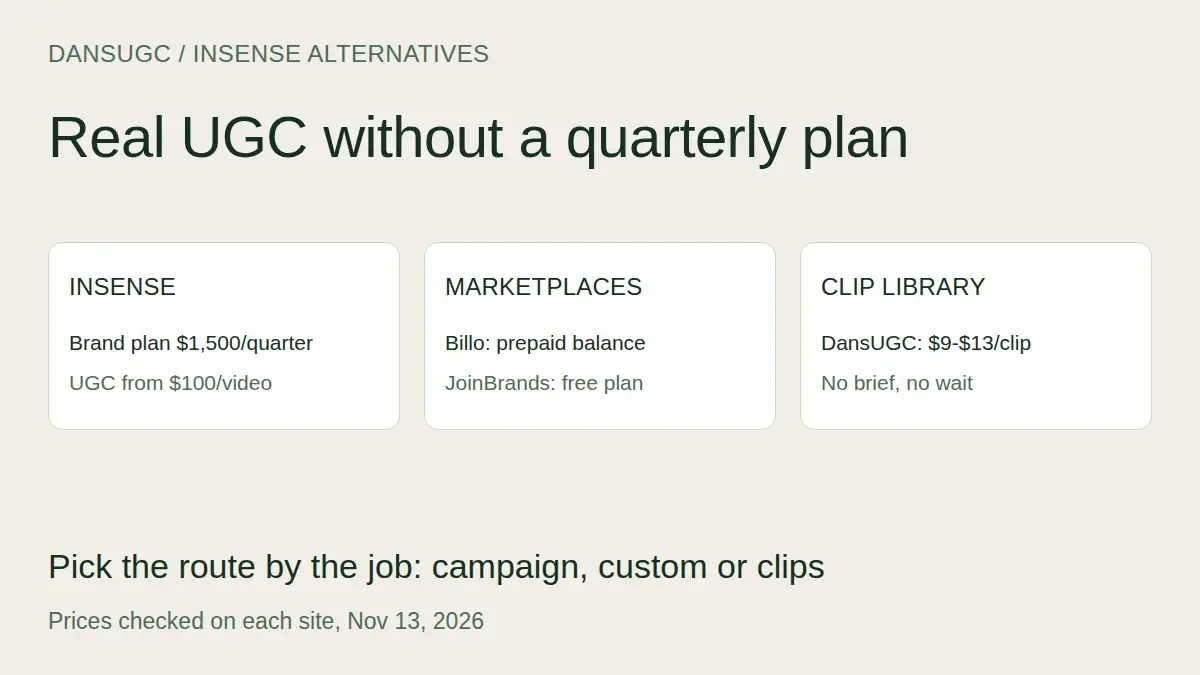
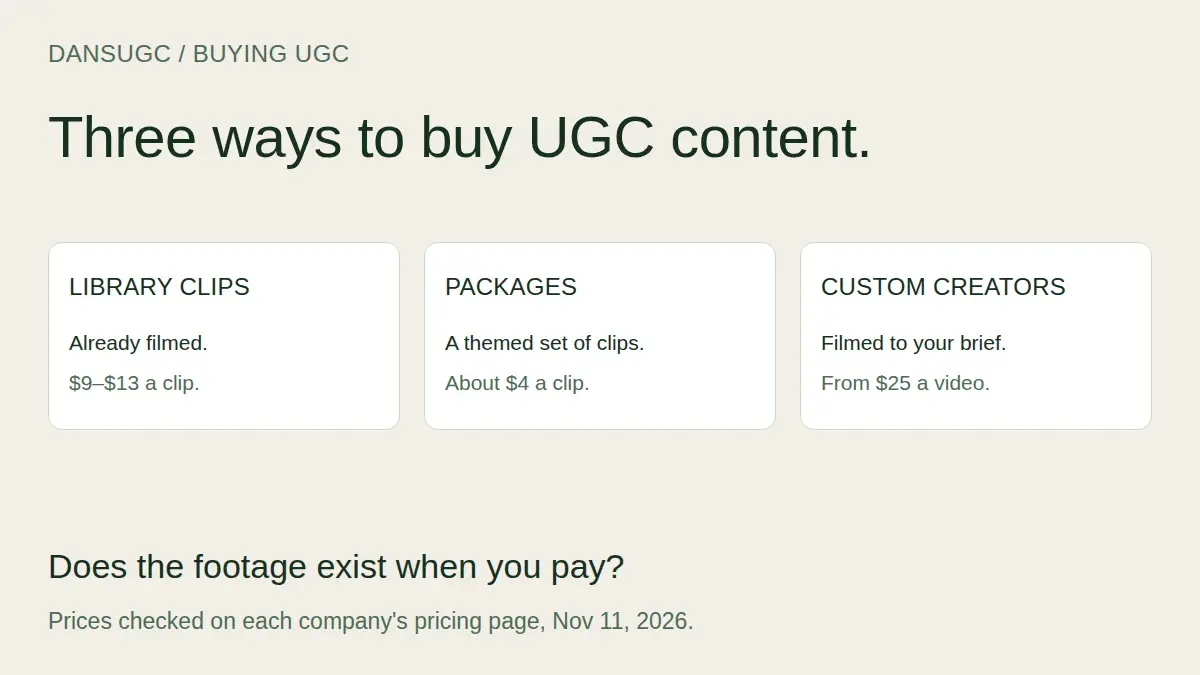
- $13 per library clip on the free plan (no subscription).
- $9 per clip on Pro ($291.58 a month, billed $3,499 yearly).
- Ready-made packages on Pro at about $5 per clip. The 2026 DansUGC UGC Price Index found a median of $3.98 per clip across 60 DansUGC packages.
- Custom UGC from $25 per video, with a $250 minimum order.
If you only need ten clips for a first test, ten clips at $13 is $130 with no commitment. If you'll buy hundreds a year, Pro and packages bring the per-clip price down.
Stock library, custom UGC or AI: which fits your ad?
Use a stock library for hooks, reactions and b-roll you need this week; custom UGC when the ad needs your product in someone's hands; AI generators only when you accept synthetic people. Here's how the options compare on what buyers ask about most.
| | Traditional stock footage | Stock UGC clip library | Custom UGC (creator marketplace) | AI UGC generator | |---|---|---|---|---| | Looks like real social content | Often not | Yes | Yes | Depends on the tool | | Real person on camera | Yes (often actors) | Check the license | Yes | No | | Shows your product | No | No | Yes | Only as composited footage | | Time to footage | Minutes | Minutes | Days to weeks | Minutes | | Preview before paying | Usually | Varies by library | No, you see it after the shoot | Yes | | Best for | Generic b-roll | Hooks, reactions, ad tests | Demos, testimonials, unboxings | Script variations | | Main risk | Looks staged | Library doesn't match your audience; license ends | Cost and wait | Audience trust (see the Gallup survey above) |
For named vendors side by side, with prices, license length and AI rules sourced from each company's own site, see our UGC clip libraries comparison.
Which clips should you look for first?
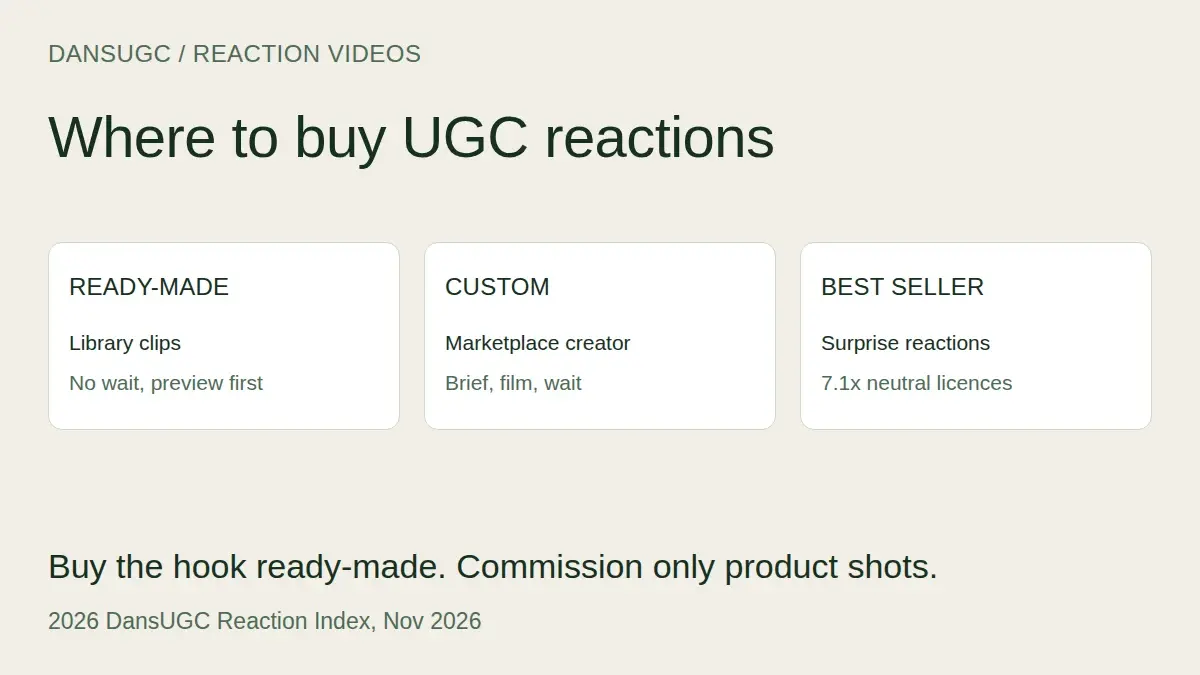
Short surprise reactions. They are what advertisers license most in our data, so they're the best test of whether a library has depth where it matters.
- In the 2026 DansUGC Reaction Index, surprised, shocked and amazed clips were 16.4% of the library but earned 40.5% of all licences, across 7,480 labelled clips and 13,718 licences (source).
- Clips of 15 seconds or less took 94.4% of licences; the median clip in our library is 11 seconds.
- Neutral clips were 32.9% of the library but drew only 11.5% of licences.
So when you evaluate any library, search for "surprised" or "shocked" and filter for your audience. If you can't find ten strong, short reactions from different people, the library won't carry a testing schedule. Where to buy UGC reaction videos goes deeper on reaction footage specifically.
Can you use a stock UGC clip as a customer testimonial?
No. A stock clip is a real person reacting, but they haven't used your product, so presenting them as a customer reviewing it is a fake testimonial. Use stock clips as hooks and reactions; get real customers or custom creators for testimonials.
The US Federal Trade Commission's final rule on fake reviews and testimonials (announced August 14, 2024) covers testimonials that misrepresent that they're by someone who doesn't exist, such as AI-generated fake reviews, or by someone who didn't have actual experience with the product. Library licenses often say the same thing: the DansUGC license bans implying a creator personally endorses a product they haven't used. This isn't legal advice, but the safe pattern is simple: a reaction clip can open the ad ("wait, this exists?"), and your product, screen recording or offer does the talking.
How do you test a library in 20 minutes?
Search, count, and do the maths before you pay anything:
- Write down your buyer: age, gender, setting, and the emotion your hook needs.
- Search the library for that emotion and filter for your audience.
- Count the clips you'd genuinely put in an ad, from different creators. Stop at 20.
- Read the license page and answer the four questions in section 3.
- Divide your expected spend by the usable clips you counted.
If you end with fewer than ten usable clips, the library is the wrong one for this campaign, however big its headline number. For the wider buying decision, including packages and custom creators, see how to buy UGC content, and to budget a full campaign try the UGC cost calculator.
FAQ
Is stock UGC worth it for paid ads?
Yes, for hooks, reactions and b-roll you need quickly. It isn't a replacement for custom UGC when the ad needs someone using your product. Most teams use both: library clips to test hooks cheaply, custom videos for the angles that win.
How much does a stock UGC clip cost?
It varies a lot by library and plan. On DansUGC a single clip is $13 on the free plan or $9 on Pro, and the 2026 DansUGC UGC Price Index found a median of $3.98 per clip in a ready-made package (pricing, November 14, 2026). Compare by cost per usable clip, not headline price.
Can I keep running ads after my stock UGC license ends?
It depends on the license. Some are perpetual, some end with your subscription, some run for a fixed term. On DansUGC, paid ads must stop when a purchase's 12-month license ends unless you renew or upgrade to perpetual; organic posts already published can stay up.
Are stock UGC clips exclusive to my brand?
Usually not. Library clips are non-exclusive, so another brand can license the same clip. If you need footage no one else can use, order custom UGC with exclusive rights.
Can I edit stock UGC clips with AI tools?
Usually for cutting, captions, reframing and color, yes. Changing the person's face, expression or voice with AI, or generating new footage from the clip, is often banned. Check the license: DansUGC allows AI-assisted editing but not AI changes to the people or AI generation from the clips.
Ready to get UGC videos for your brand?
Real human creators, 48-hour delivery, 12-month commercial license. Starting at $9/video.